
Bring a real question
Choose a dispatch, journey or fleet-usage question that your team handles regularly.
Inside the SafarTrak platform
Replay a recorded journey, inspect a stop or review a temperature change. Watch the walkthrough, then explore the product screens at your own pace.
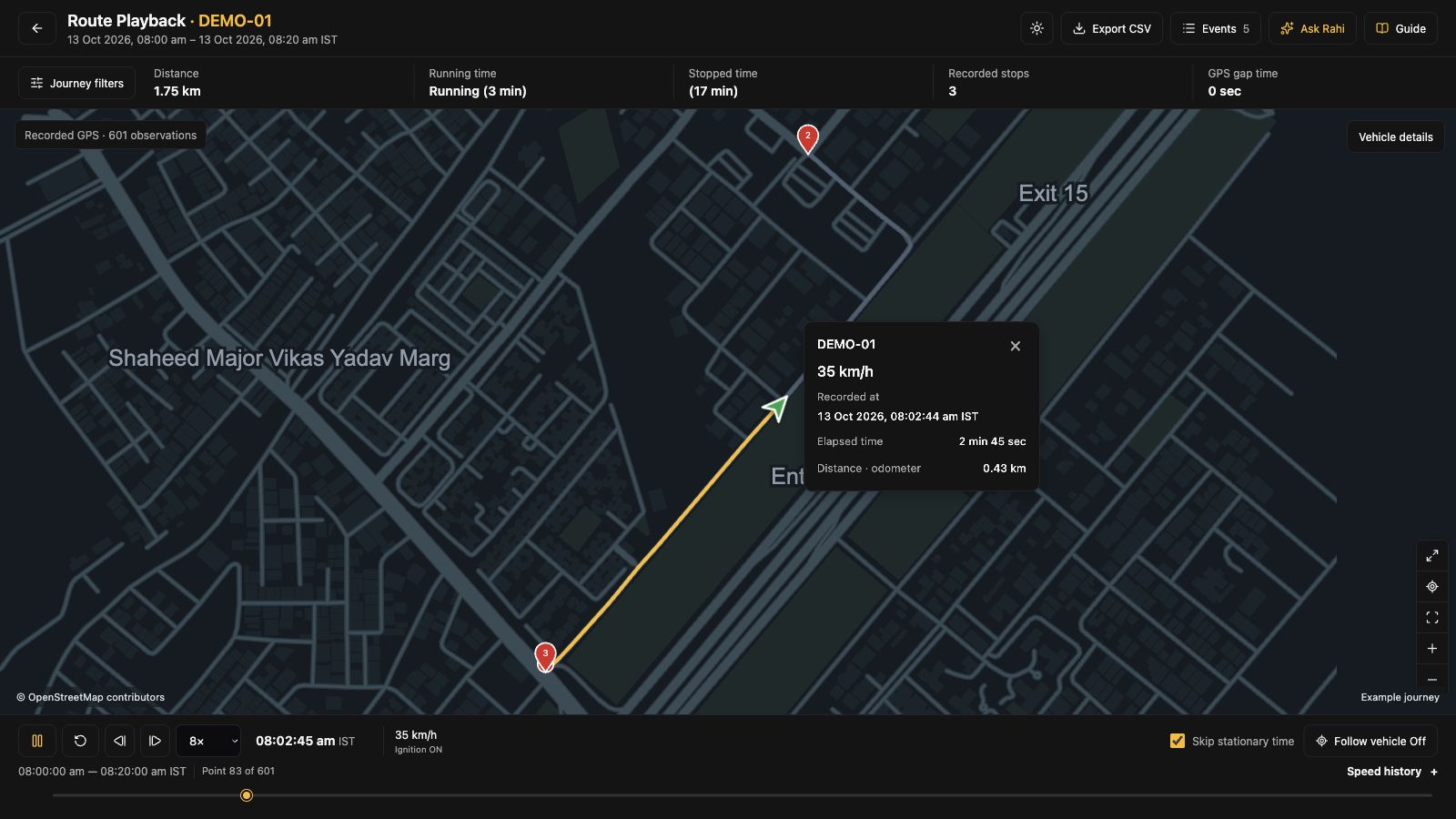
Route playback
Choose the vehicle and period, follow the recorded route, then open a stop or speed event for a closer look.
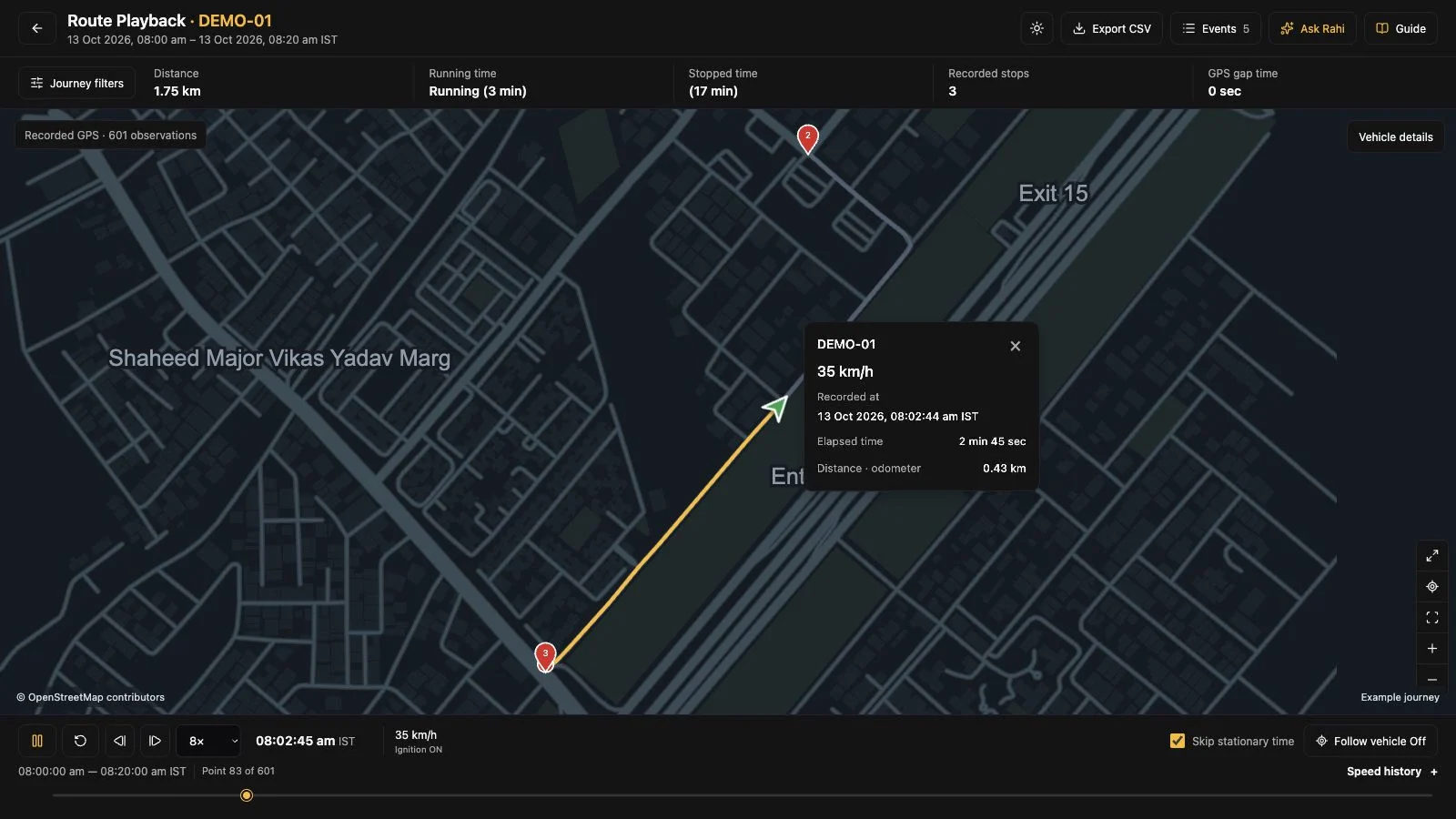
Open a recorded journey for the vehicle and hours you want to review.
A closer look at vehicle updates
Select a vehicle, inspect its last update and compare running, idle and stopped time.
DEMO-02 · Idling
This vehicle has 74 minutes of idle time. Review the reporting period and loading context before deciding whether the time was avoidable.
Review loading and waiting time with the depot
Try another vehicle or open its usage report.
Explore at your own pace
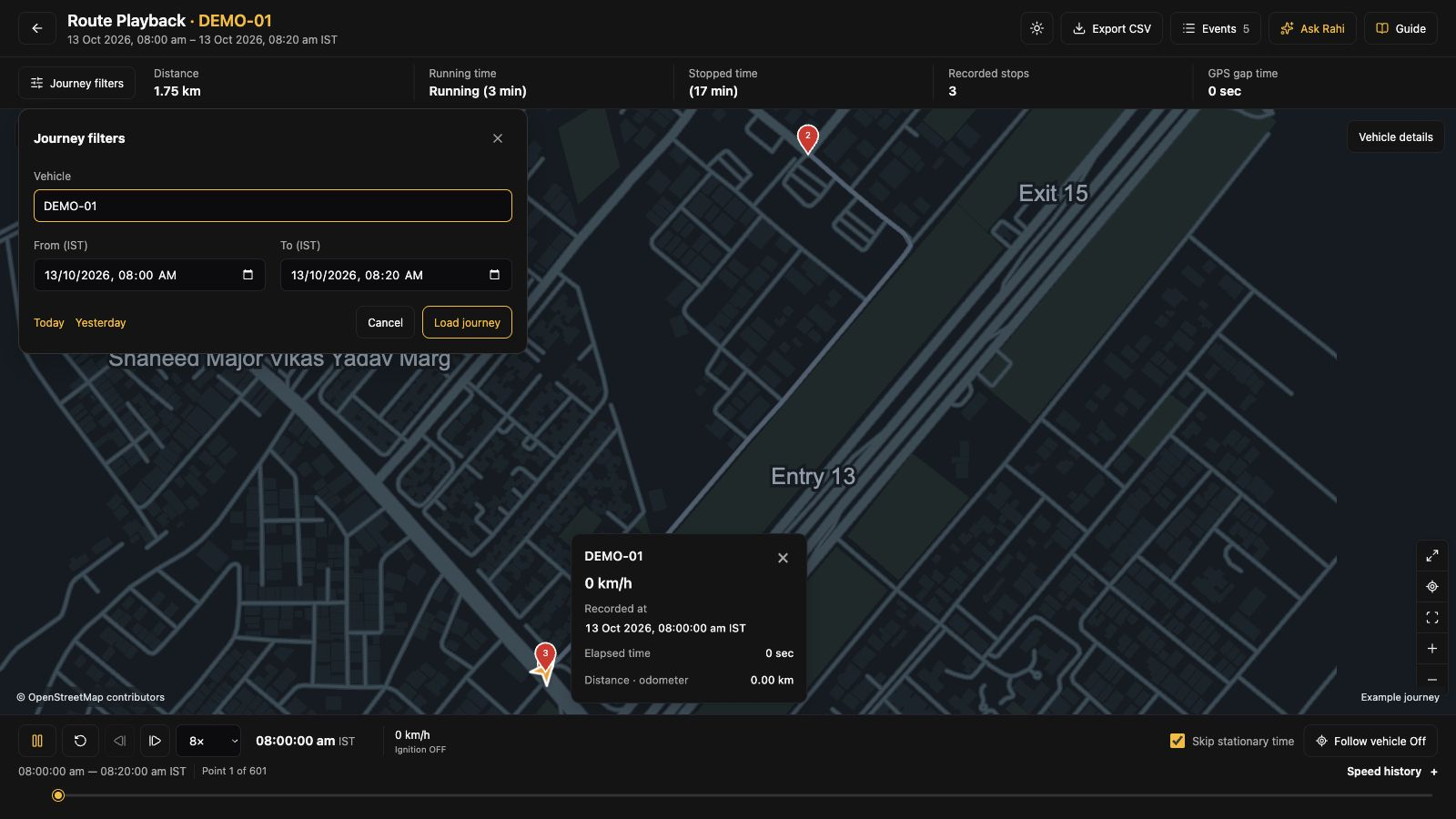
The situationChoose the vehicle and period, replay its recorded movement and inspect the stop or speed event that needs explaining.
Chapter 1 of 4 · Step 1 of 4
Open Journey filters, select the vehicle and set the start and end times for your review.
What this helps you doReview the hours relevant to the dispatch question.
Invite the person who handles dispatch or fleet operations, your device or IT owner, and the person reviewing costs. For cold-chain evaluations, include your quality or temperature-monitoring owner.
Suggested agenda: review one question from your operation, check the required readings and agree what to evaluate with your vehicles.
Prepare with the buyer evaluation kit →Choose a dispatch, journey or fleet-usage question that your team handles regularly.
Share vehicle types, device models and the signals needed to answer that question.
Ask to see the relevant workflow, confirm coverage and agree how a pilot would measure success.
See SafarTrak at work
Tell us what your team needs to check each day. Bring your vehicle types and device models so the demo can cover the right screens and readings.
Talk to the SafarTrak team