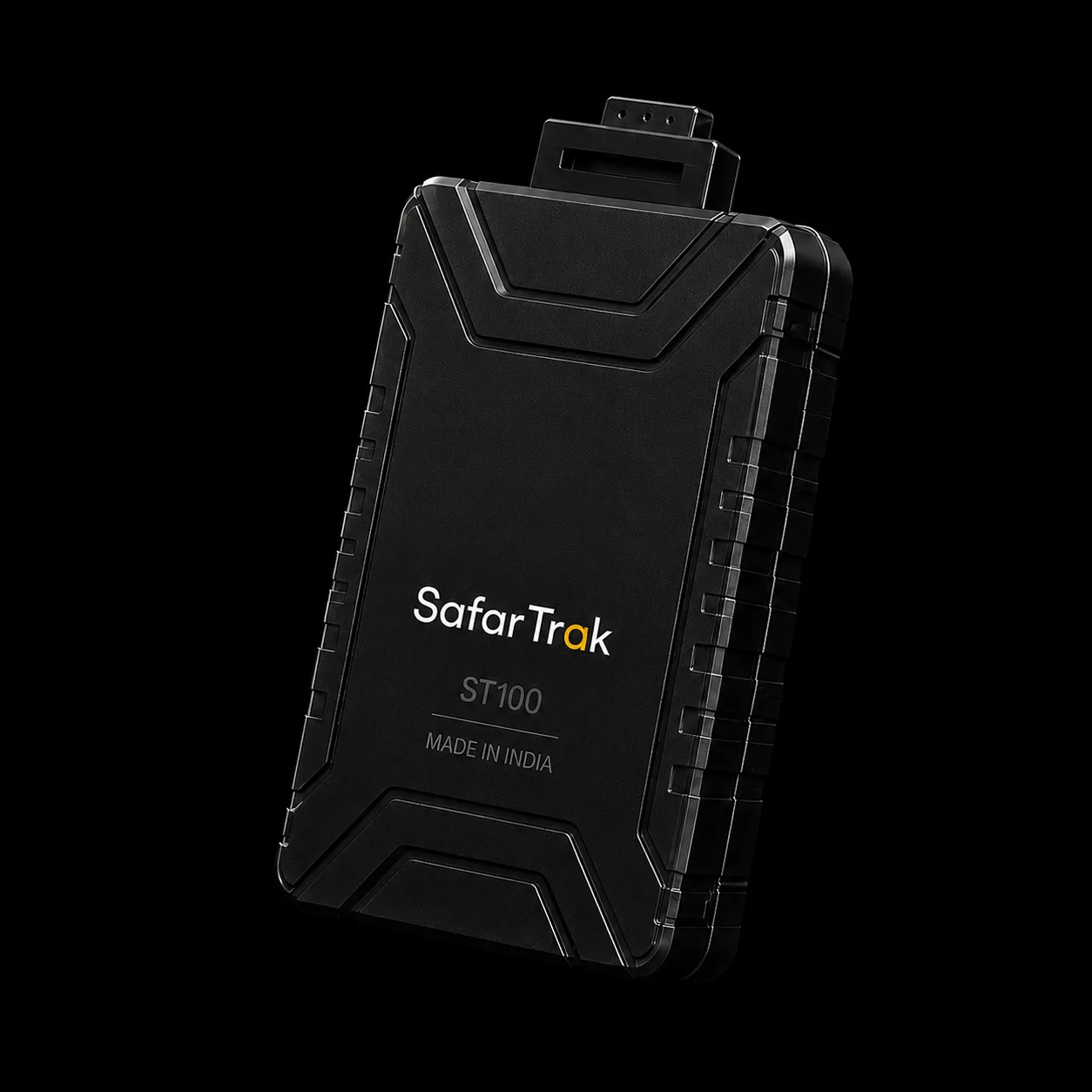
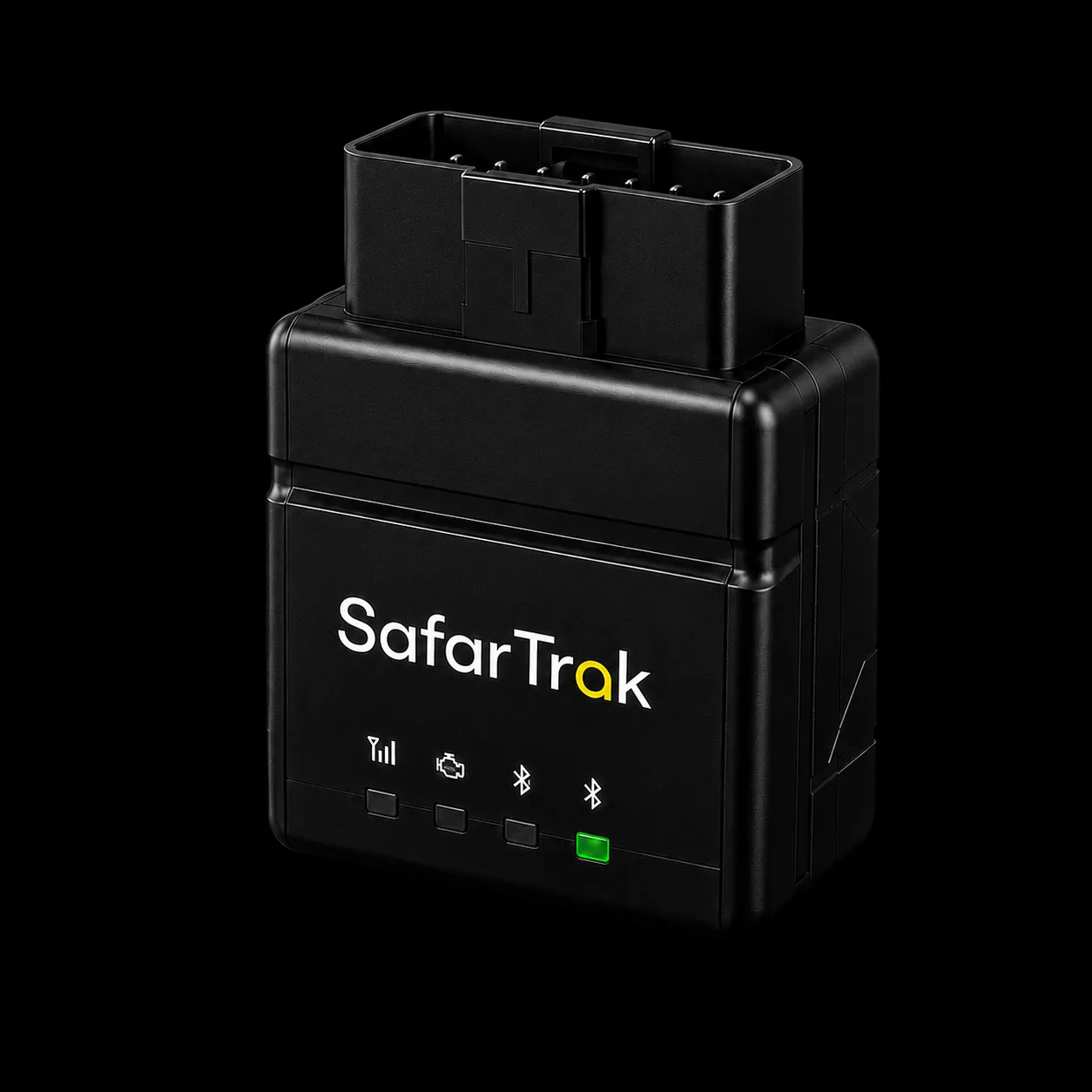
Where are our vehicles?
Location & movement
Review location messages, reporting intervals and movement information from the tracker.
Explore fleet visibilityCompatible Third-Party Devices
Your next fleet platform can start with your current hardware. Explore how supported GPS trackers, vehicle interfaces and sensors could connect to SafarTrak.
YOUR EXISTING SETUP
The hardware
you already use.
Connection concept · model-specific review required.
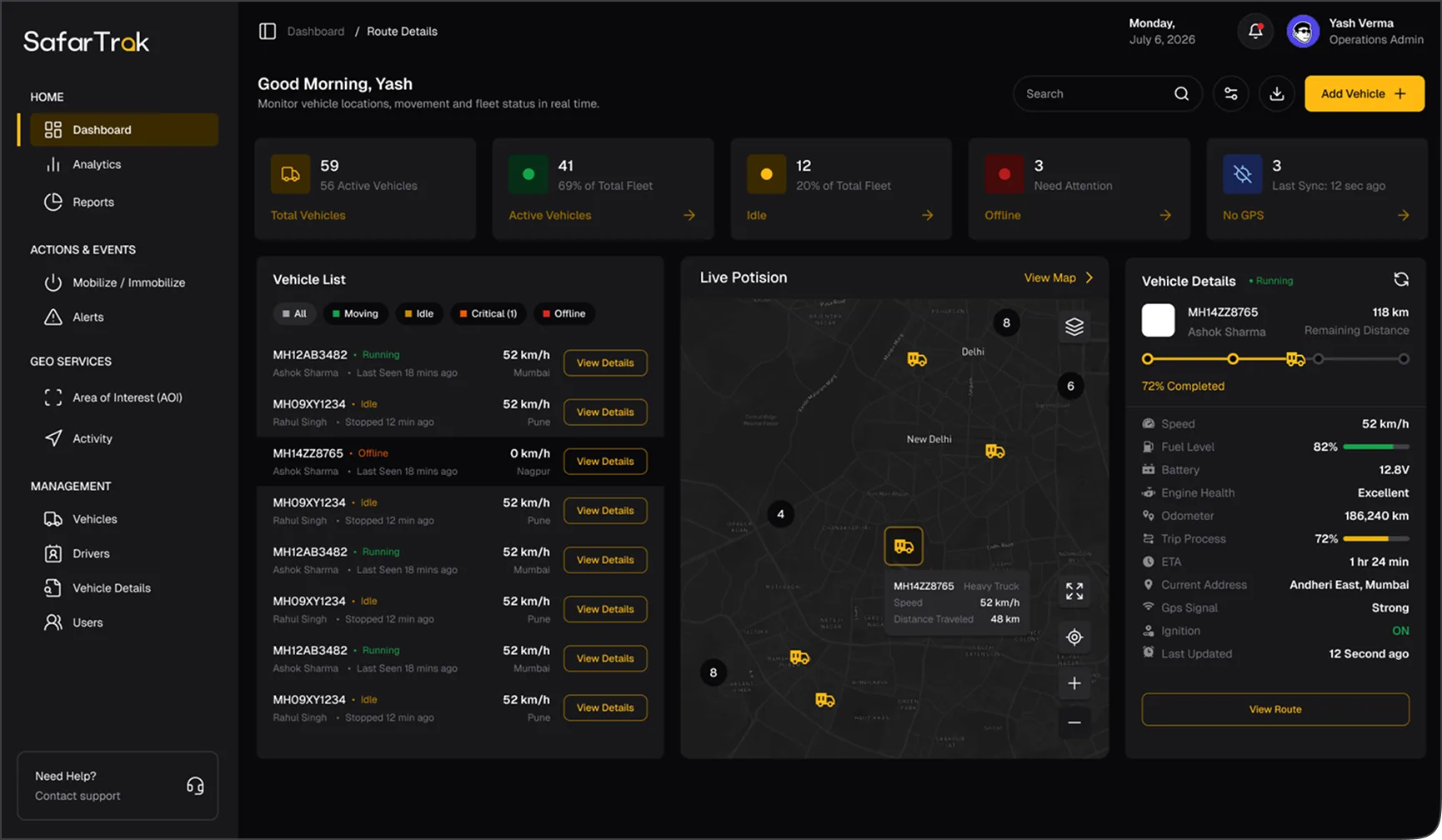
Compatibility is confirmed for your exact device, protocol and required data.
Explore the softwareA starting point for your fleet
Choose the setup closest to yours. See what needs reviewing before a connection can be planned.
YOUR STARTING POINT · 01
Start with your installed devices. We’ll review the model and connection options, then establish which location and event information could reach SafarTrak.
You do not need to decide on replacement hardware before discussing your current setup.
Discuss this setupWHAT TO BRING TO THE REVIEW
A working GPS tracker alone does not confirm compatibility. The protocol, configuration access and required data also need review.
Connect what matters to your operation
A connection has value when it brings your team the information they actually need. Review the required signals alongside the software workflow.
Where are our vehicles?
Review location messages, reporting intervals and movement information from the tracker.
Explore fleet visibilityWhat happened on the journey?
Check the time, ignition and event information needed to put vehicle activity in context.
Explore journey reviewsWhat else do we need to know?
Confirm each required fuel, temperature or diagnostic reading against the complete setup.
Explore operational needsFrom existing hardware to a clear plan
Make the requirements clear before changing device settings or committing to a fleet-wide transition.
Bring your device inventory, vehicle types and the information your team needs.
Work through protocols, configuration access, supported signals and any changes required.
Discuss a suitable device or vehicle sample and the checks needed before a wider rollout.
Confirm the agreed coverage, costs, responsibilities and rollout sequence before deployment.
Before you make the move
Every fleet setup is different. These are the details worth checking together.
Ask about your setupShare the exact brand, model, firmware and available protocol documentation with our team. Support needs to be confirmed for that device and the information you require. This page is a starting point for review, rather than a list of certified models.
Start with a review of the trackers you already have. If the device, configuration and required data can be supported, discuss a connection using that setup. Where there are gaps, the team can help you consider configuration changes or an alternative device.
These need separate checks. Availability depends on your vehicle, sensors, device inputs, transmitted protocol and the signals supported by the proposed connection. Include each required measurement in your enquiry.
That depends on the device’s connection options, configuration access and your existing arrangement. Discuss continuity and any parallel connection requirements before changing a device’s server settings.
Include historical data in your requirements if it matters to your operation. Data availability, export formats and any migration scope need to be reviewed and agreed separately; connecting a device does not automatically transfer its history.
Start with the brand and model, a device label photo, your current provider and the data you need. The team can clarify what additional details are required. Do not include passwords, access tokens or account credentials in the enquiry.
Need a different connection?
See the power of SafarTrak
Bring your current devices and the information your fleet needs. Let’s explore the connection together.
Request a compatibility reviewTalk to the SafarTrak team