
01
What is happening across the fleet?
Keep fleet activity visible
Find reported vehicle positions and status when coordinating activity across distribution areas.
From the loading point to the next distribution run, your fleet carries the operation forward. Bring vehicle activity, journey context and supported cargo readings into a clearer software view with SafarTrak.
Connect the movement of your vehicles with the information your distribution team needs to review each run.
What is happening across the fleet?
Find reported vehicle positions and status when coordinating activity across distribution areas.
Where should the team investigate?
Put available idle-time and supported fuel readings beside recorded movement when investigating vehicle usage.
What data does this load need?
Where compatible sensors are configured, review recorded conditions alongside the distribution journey.
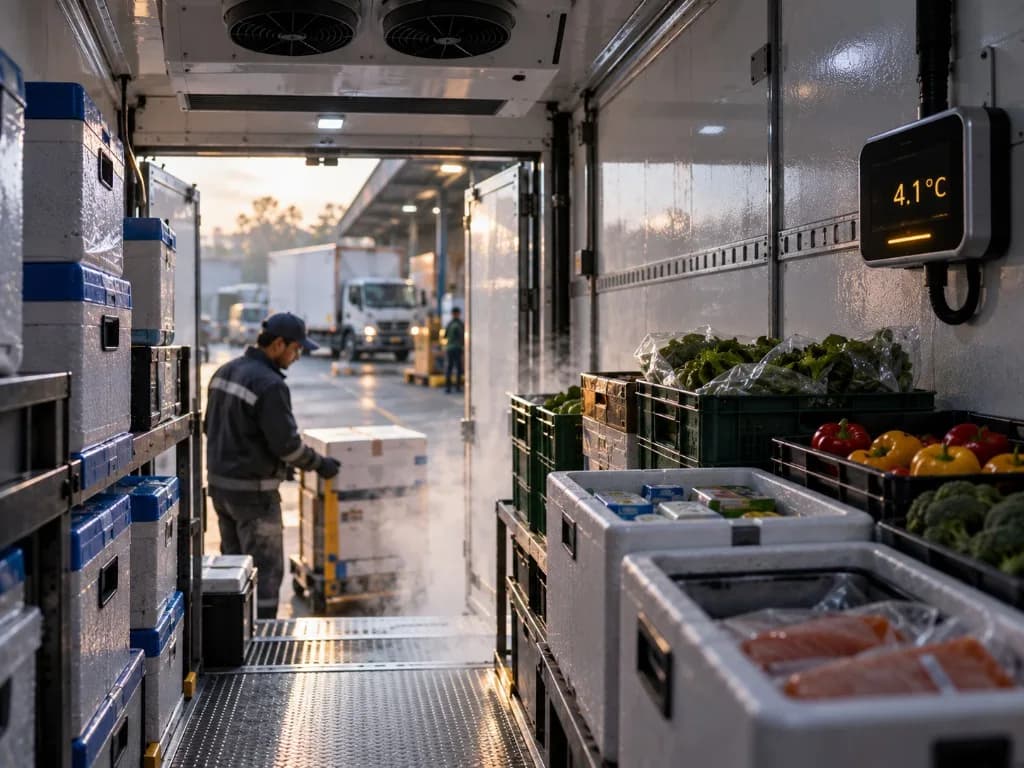
Connect the run with the information behind it.
Connect each operational question to the fleet software capability behind it.
Connect route history and stopped-time context with distribution fleet reviews.
Explore the solutionExplore usage patterns through available idle-time and supported fuel information.
Explore the solutionExplore supported sensor readings alongside the vehicle’s operational journey.
Explore the solutionConnect daily distribution questions to the fleet information behind them.
Perspective 01 / The run
Choose the vehicle and period your team needs to review. Put the latest reported activity into the context of your distribution operation.
Explore fleet visibilityInformation to bring into the review
For your team
A shared starting point for the distribution review.Perspective 02 / The journey
Review the recorded journey and stopped-time context. Bring the route into discussions about the distribution run and operational follow-up.
Explore journey reviewInformation to bring into the review
For your team
A clearer view of how the vehicle moved during the run.Perspective 03 / The usage
Review available idle-time information alongside the journey. Include supported fuel readings where your fleet setup provides them.
Explore fuel & idlingInformation to bring into the review
For your team
Better context for usage questions across distribution vehicles.Perspective 04 / The conditions
For temperature-sensitive loads, explore the available readings alongside journey context. Confirm sensor support and reporting requirements for your operation.
Explore sensor contextInformation to bring into the review
For your team
A connected review of vehicle movement and recorded conditions.Available data depends on device support, installation, connectivity and reporting intervals. Confirm the coverage your fleet needs in a demo.
Ambient goods, chilled loads and mixed distribution fleets have different requirements. Start with the workflow and data your team needs.
Explore devices & compatibilityReview vehicle types, distribution areas and the daily fleet questions your team needs to answer.
Confirm ST100, ST200 or compatible third-party devices. Review any temperature or fuel sensor requirements separately.
Walk through journeys, available readings and reporting intervals in a demo, with the people who will use the software.
See the power of SafarTrak
Bring your fleet mix and daily workflows. Explore how SafarTrak can connect the information your distribution team needs.
Talk to the SafarTrak team