01
Instant Diagnostics
Access available vehicle diagnostic data through the OBD-II CAN connection.
Plug-and-Play OBD-II Telematics
ST200 is a plug-and-play OBD-II GPS tracker for commercial fleets, providing vehicle tracking, available CAN diagnostic data and movement intelligence without wiring or an installer visit. Connect it directly to the vehicle's standard OBD-II port and start collecting connected fleet data.
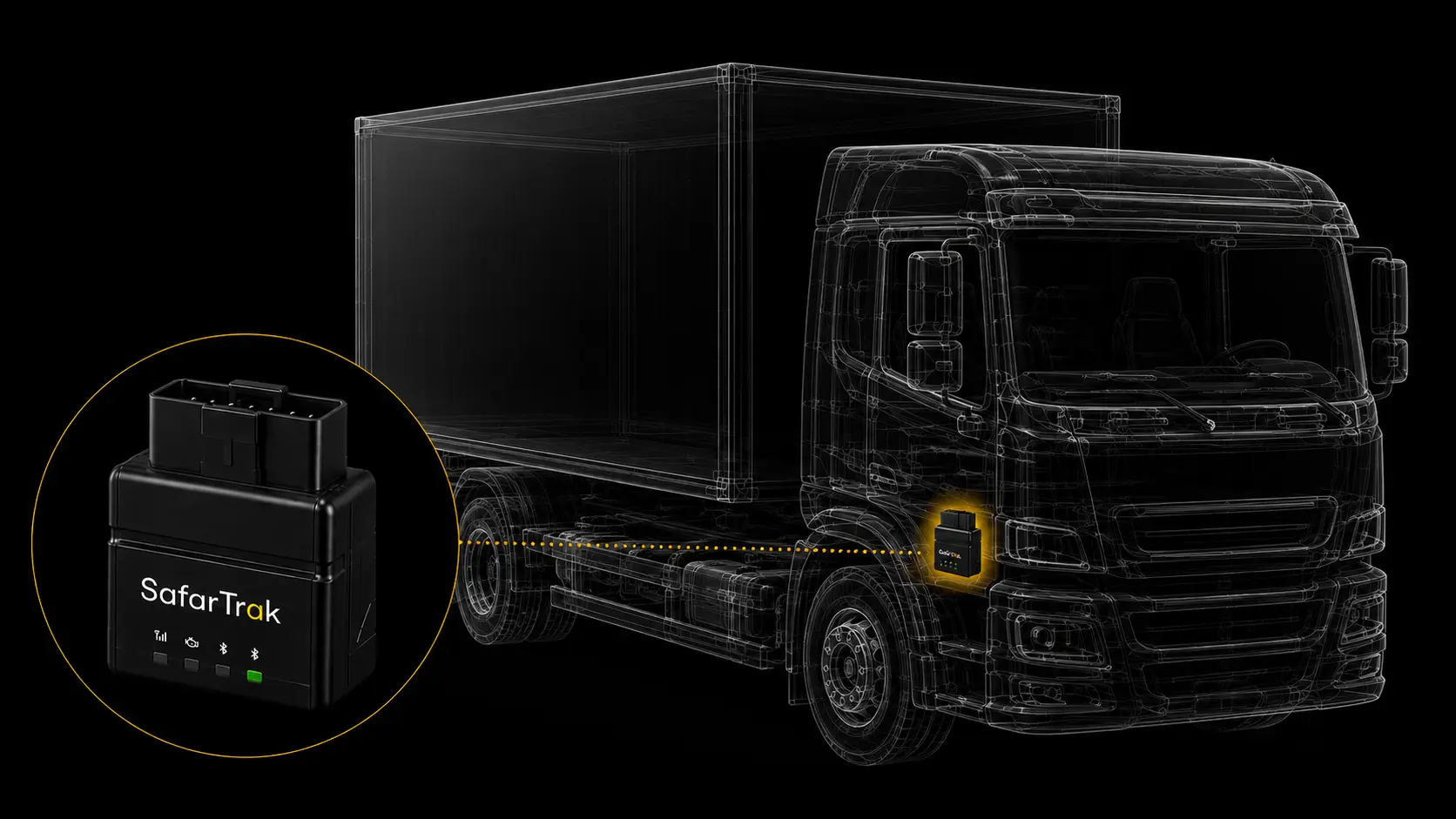
ST200 connects directly to the vehicle's OBD-II port to deliver GPS tracking, available vehicle diagnostic data and movement intelligence in a compact, easy-to-deploy device.
Connect directly to the standard OBD-II diagnostic port with no wiring harness or installer visit required.
Access available vehicle diagnostic data through the integrated OBD-II CAN interface.
Built-in accelerometer supports vehicle movement, orientation, acceleration and general driver-behaviour insights.
The built-in 300 mAh battery supports temporary tracking operation when vehicle power is interrupted.
Store up to 6,000 records onboard for historical data review and analysis when required.
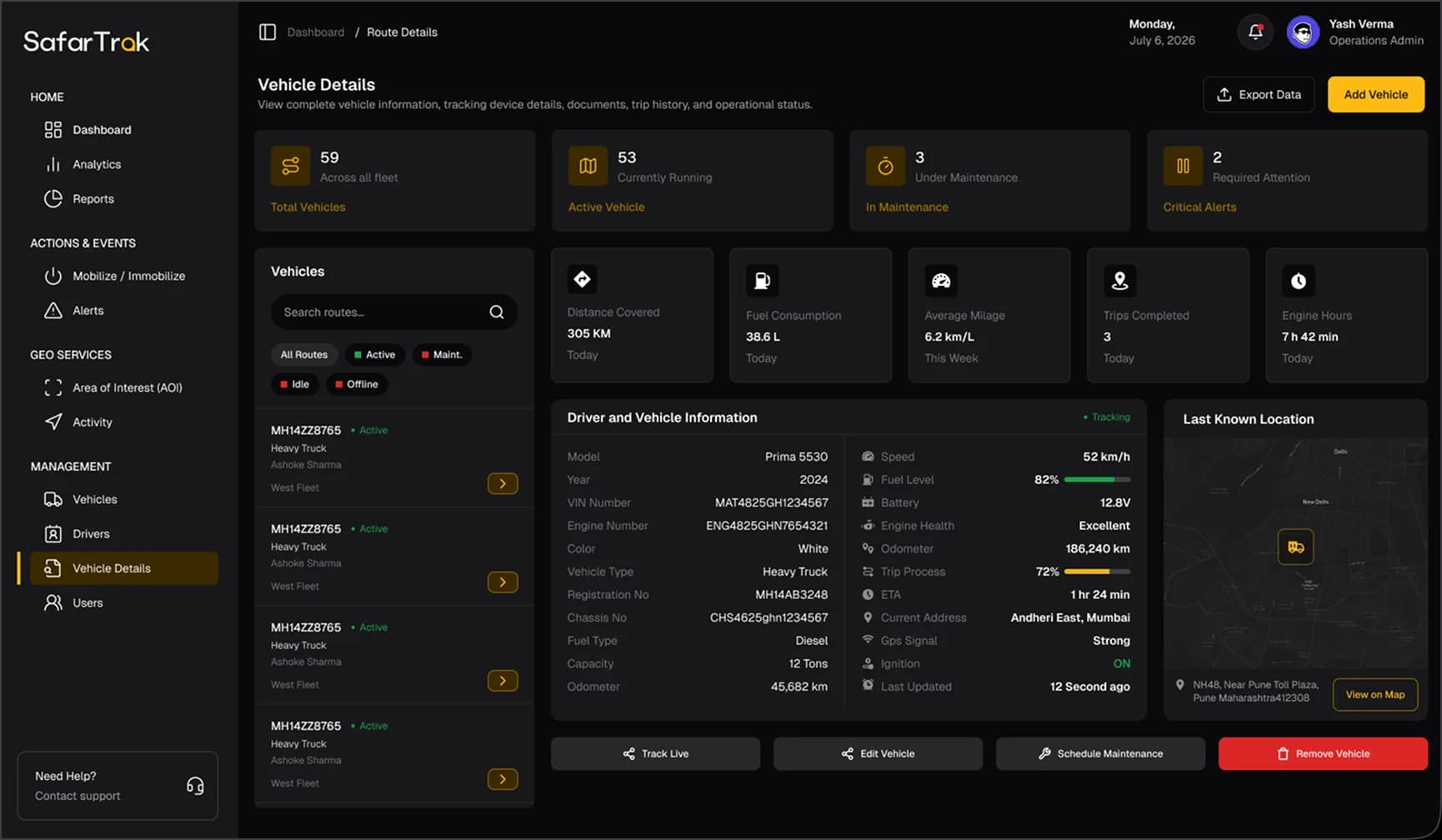
Combine vehicle location, movement information and available CAN data through the SafarTrak fleet platform.
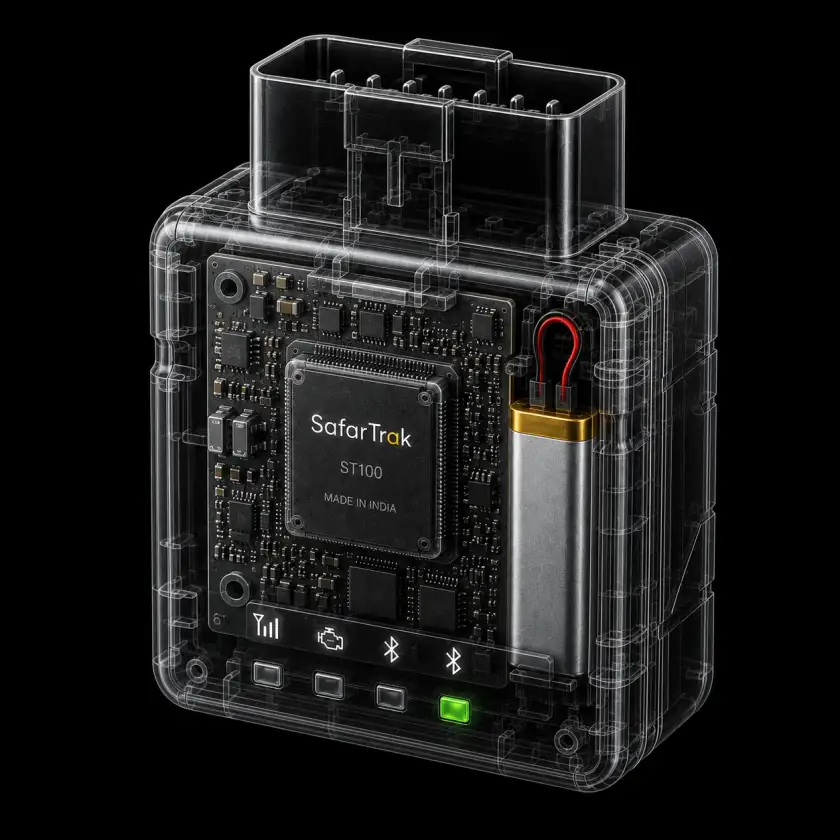
ST200 makes fleet telematics easier to deploy by combining direct OBD-II connectivity, vehicle tracking and onboard intelligence in a single compact device.
How ST200 connects
Use the vehicle’s OBD-II port for a direct plug-in connection. Confirm vehicle fit and available data, then explore your fleet in SafarTrak.
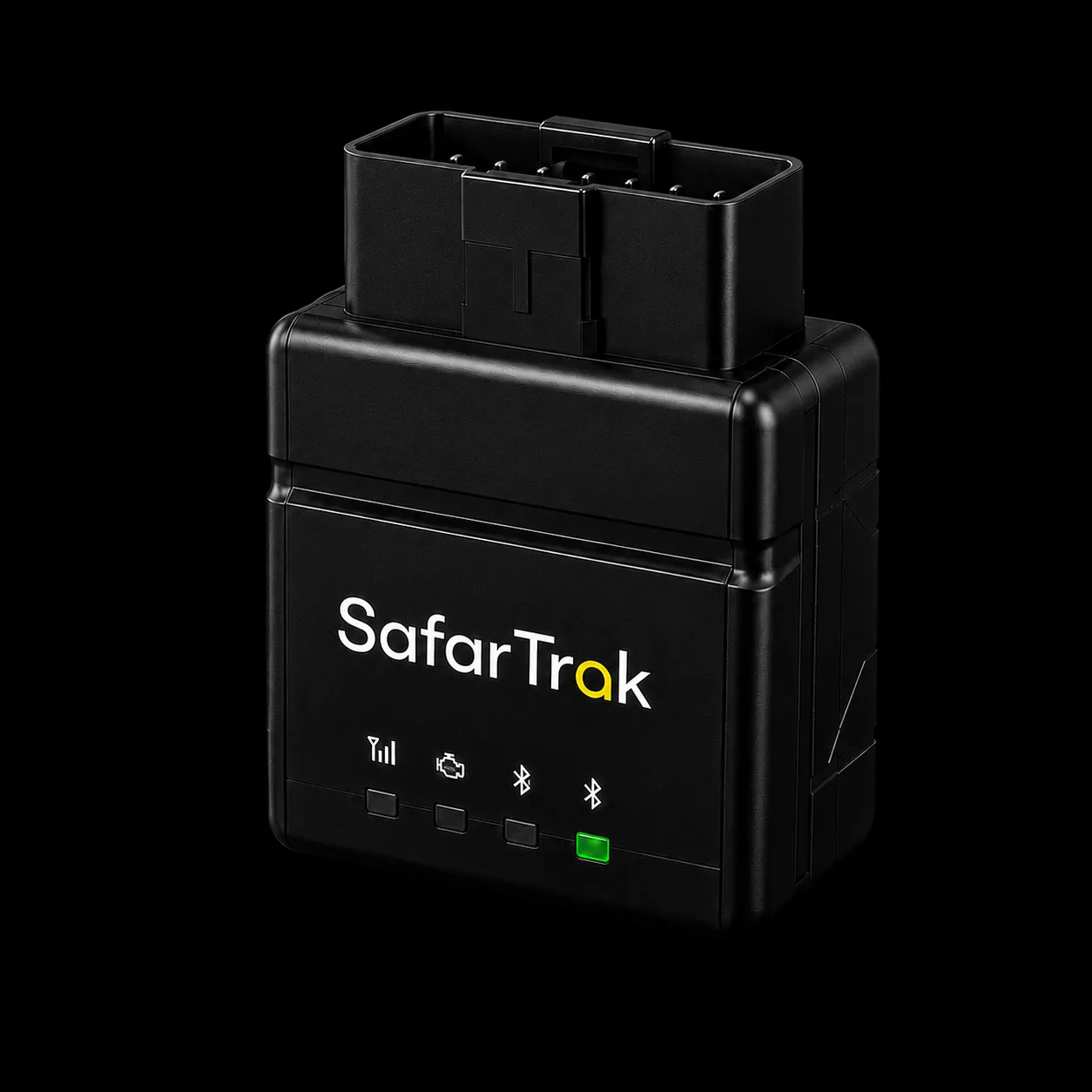
Confirm OBD-II compatibility, connector access and physical clearance.
Plug in ST200 and confirm the SIM, supported 2G coverage and available data.
Review the reported vehicle and journey information in your fleet workspace.
Explore the platformOBD-II access does not guarantee every diagnostic field. Validate required data on representative vehicles.
ST200 goes beyond basic GPS tracking by combining vehicle location with available CAN data and accelerometer-based movement intelligence. This gives fleet teams more context around vehicle activity and operation.
Access available vehicle diagnostic information through the OBD-II CAN interface.
ST200 uses vehicle ignition state to manage configurable sleep behaviour and power consumption.
Connect through the vehicle's OBD-II port and use Bluetooth for supported configuration and peripheral functions.
ST200 with SafarTrak software
Choose a question your team recognises. Explore the screen, the information to review and the next useful action.
What does your team need to understand?
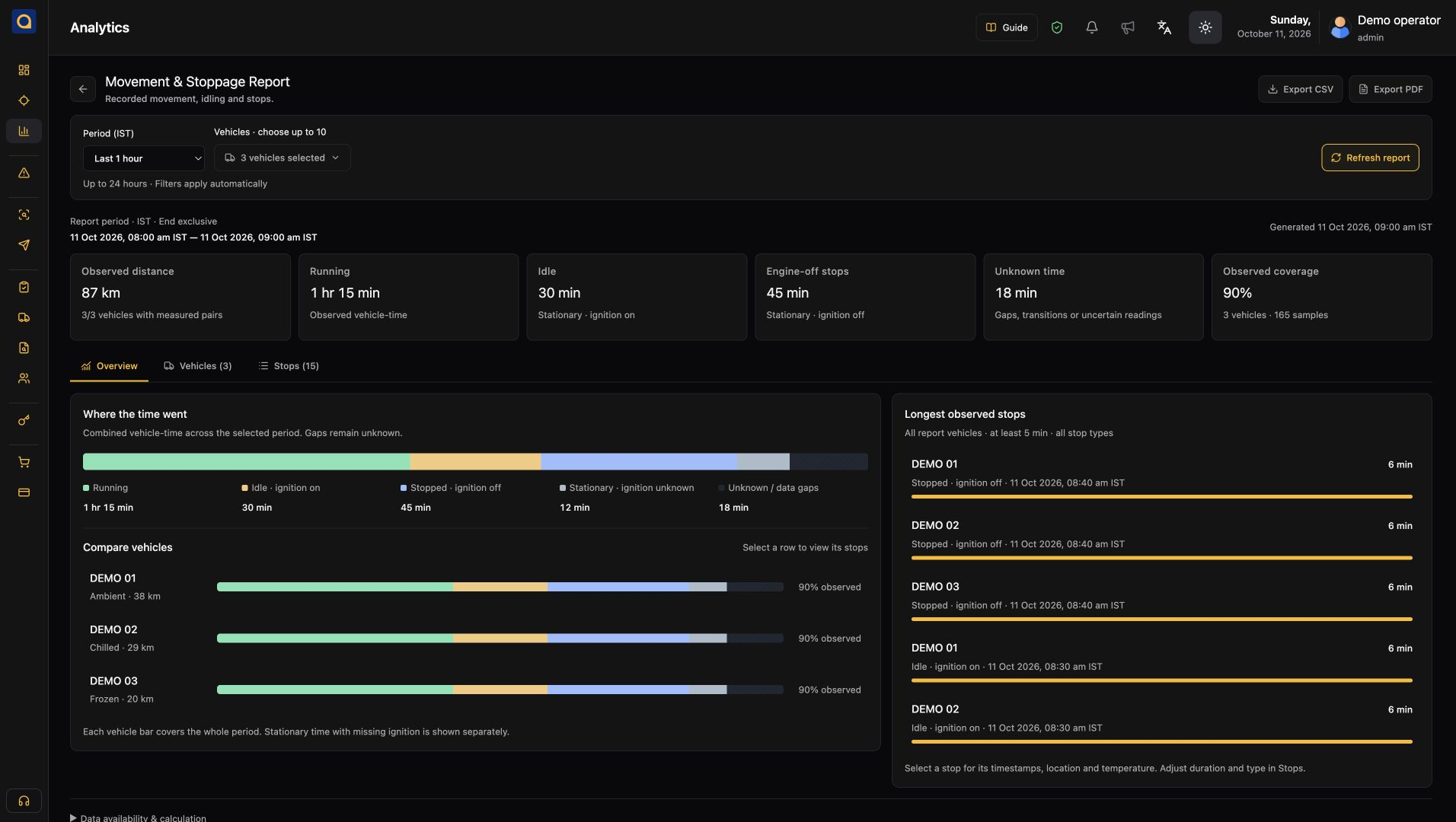
See your requirements in a demoReview trip activity and vehicle context. Give dispatch a shared starting point before following up on a journey.
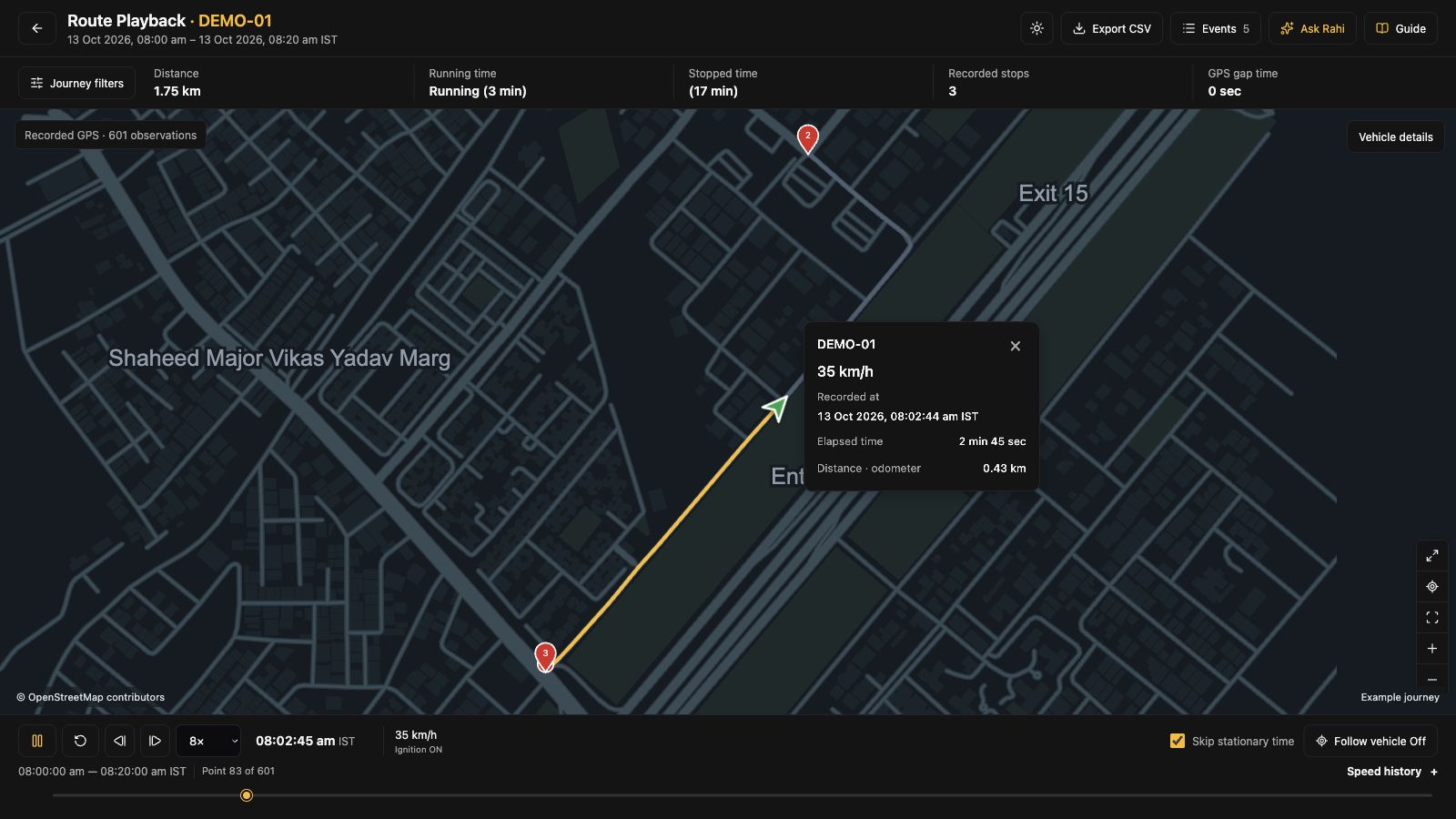
Recorded trip activity and available vehicle context.
Review the journey and the time period behind the enquiry.
Prepare a clearer follow-up with dispatch or the driver.
ST200 · OBD-II deployment
Explore ST200 for compatible OBD-II vehicles when you want a direct plug-in connection. Review vehicle fit, available data and the software workflow together before rollout.
ST200 AIS-140 model & India deployment informationConnect through a compatible OBD-II port without a separate wiring harness. Check connector access and device clearance in each vehicle.
Use reported positions and recorded trips as a shared starting point for dispatch and fleet reviews.
Explore movement information and the CAN diagnostic signals your vehicle exposes. OBD-II access alone does not guarantee every data field.
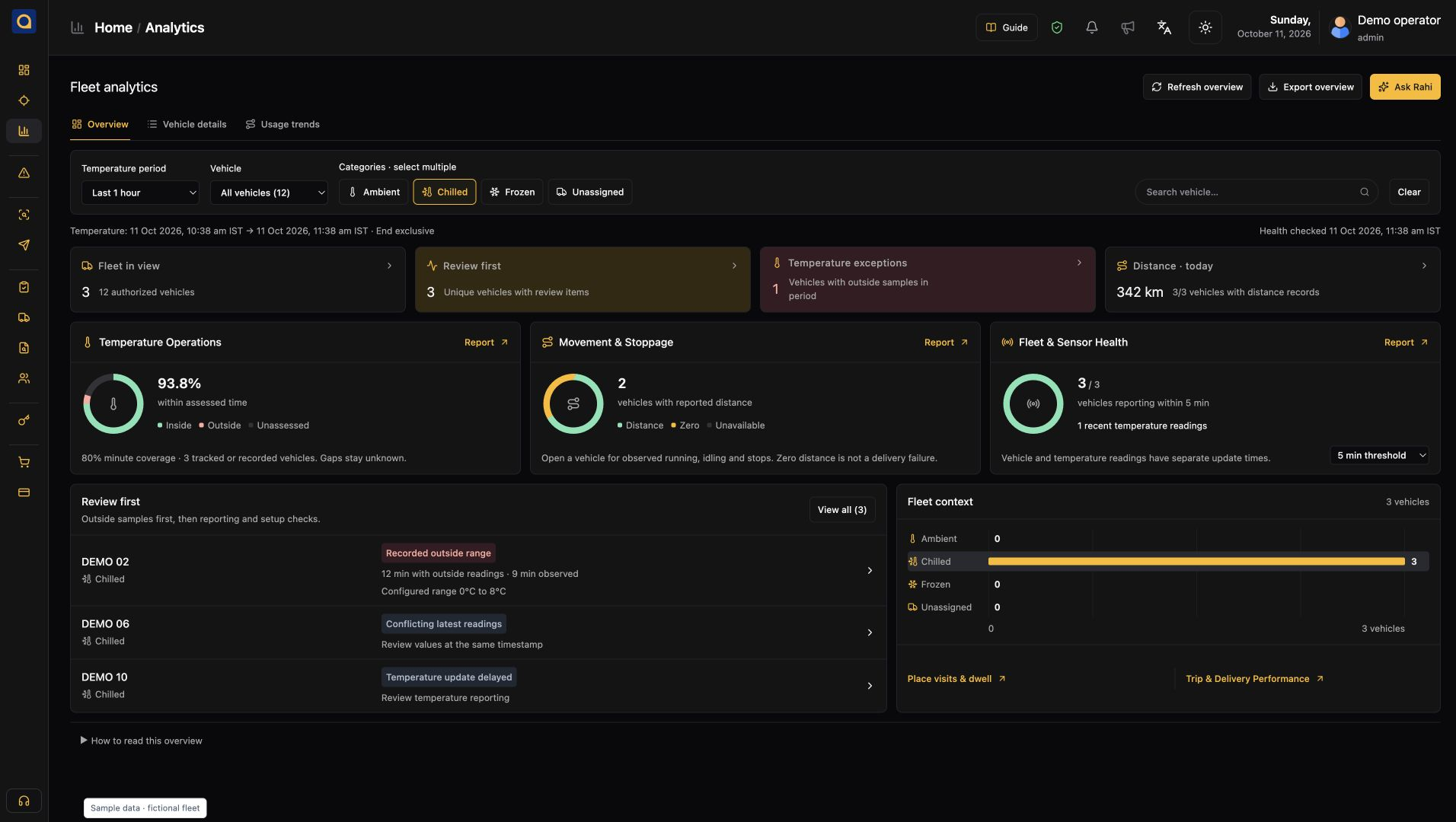
Open reported positions and vehicle status in a shared fleet view.
Explore the platformReview recorded trips and movement to understand what happened.
Explore the platformExplore activity reports and supported signals with your team.
Explore the platformPlan the right setup
Bring your vehicle details and the questions your team needs to answer. We’ll help you review the connection, confirm supported data and plan the next step.
What we’ll review together
Vehicle makes, models, OBD-II compatibility, port access and physical clearance.
Required location, movement and diagnostic information, validated on your vehicles.
Supported 2G coverage, SIM and configuration, followed by a representative vehicle trial.
Need a wired installation? Explore ST100
See SafarTrak at work
Connect your vehicles with plug-and-play OBD-II telematics and turn vehicle data into actionable fleet intelligence with SafarTrak
Talk to the SafarTrak team