
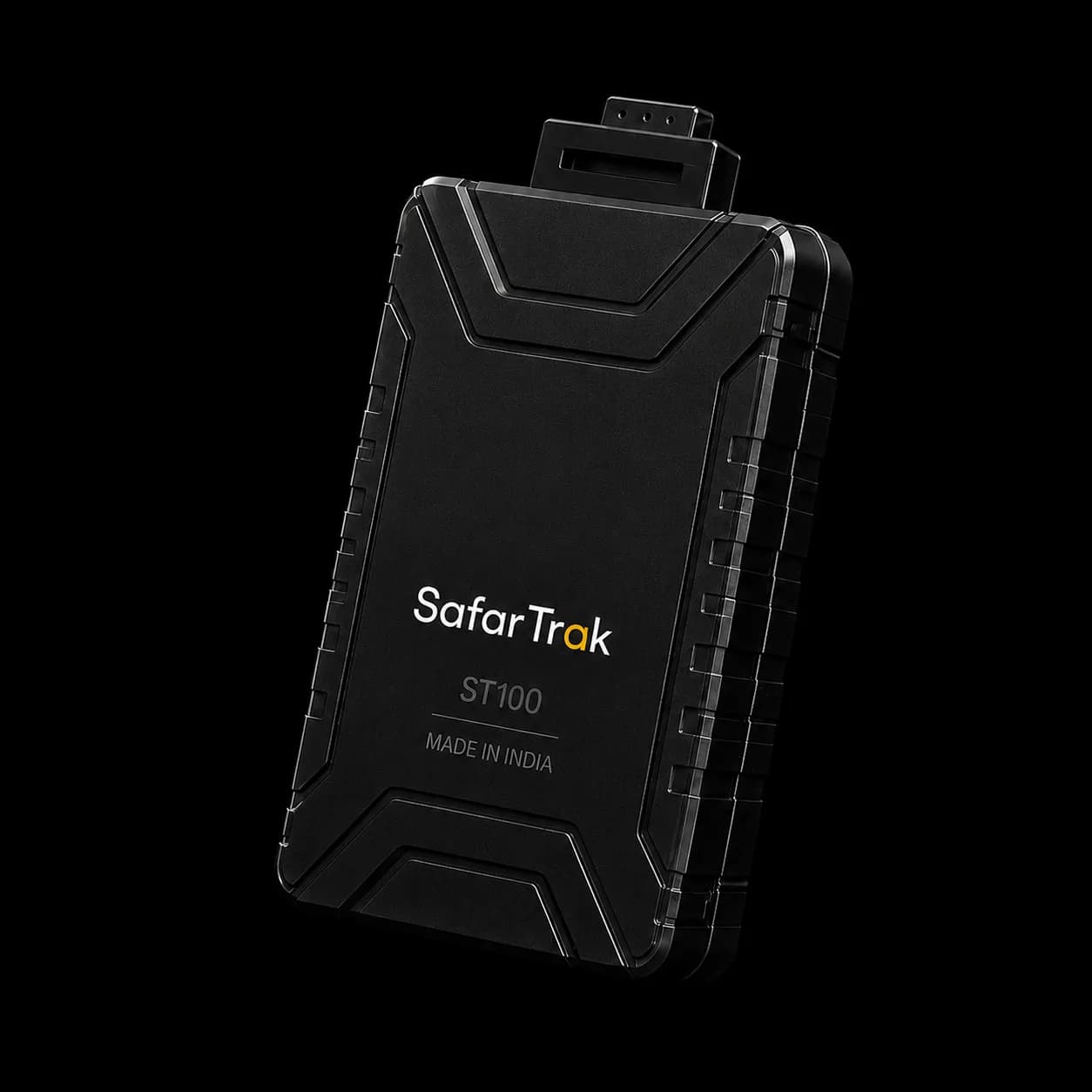
ST100 wired tracker
A wired device option for a planned vehicle installation. Confirm power, installation and required signals for each vehicle type.
Review ST100 ↗Devices & data connections
A connected tracker must provide the records your team needs. Share the exact device, vehicle and required readings; review signal quality and any business-system work before choosing a rollout scope.
Identify hardware, vehicle interfaces and connectivity.
Compare required fields, timestamps and missing readings with expected vehicle activity.
Name the daily task, its owner and the records needed to complete it.
Start at the vehicle
Choose a wired tracker, an OBD-II device or a compatibility review for your existing hardware.
A wired device option for a planned vehicle installation. Confirm power, installation and required signals for each vehicle type.
Review ST100 ↗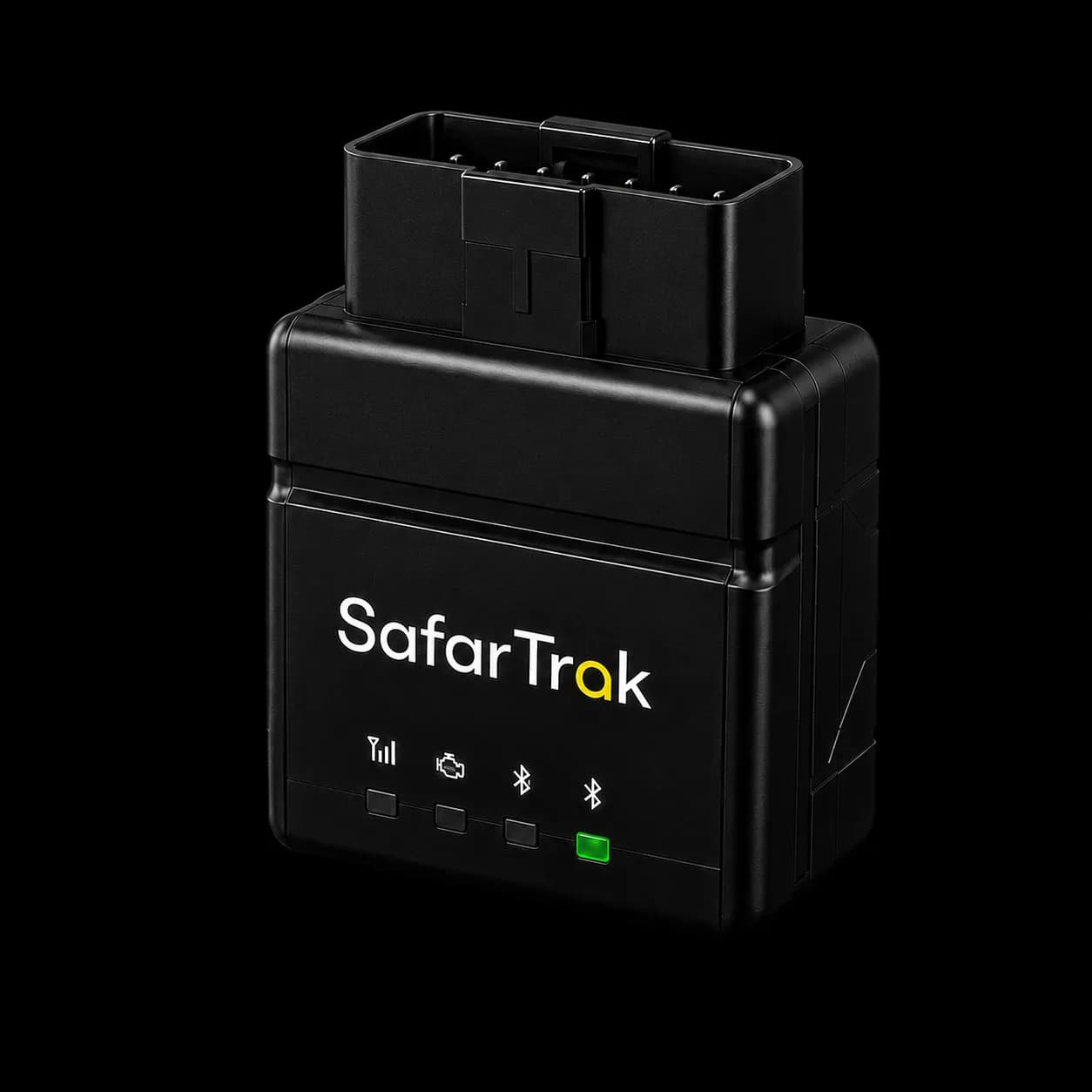
An OBD-II connection for compatible vehicles. Check the vehicle model and required diagnostic fields with our team.
Review ST200 ↗SafarTrak supports all kinds of GPS and telematics devices. Share your models and we will connect them and confirm the readings your workflows need.
Check existing devices ↗Device review
Choose a connection type to see the details needed for a compatibility review. These are review requirements, not a list of tested vehicle models.
4 connection types
| Hardware | Connection | Details needed | What to test |
|---|---|---|---|
| ST100 wired tracker ↗ | Wired vehicle installation | Vehicle power, installation, firmware and required inputs | Record location freshness and each required signal on a representative vehicle. |
| ST200 OBD-II tracker ↗ | Compatible OBD-II port | Vehicle make, model, year and available diagnostic fields | Check port fit and each diagnostic field; port fit alone is not data coverage. |
| Existing GPS or telematics tracker ↗ | Model-specific protocol and configuration | Brand, exact model, firmware, server settings and configuration access | Validate received messages, timestamps and field mapping before migration. |
| Temperature or fuel sensor ↗ | Supported tracker input or sensor connection | Sensor model, calibration, wiring or pairing and message format | Compare readings with the agreed reference; record missing data and reporting intervals. |
Business-system requirements
Define the task your ERP, TMS or WMS needs to complete. Bring example fields and the required flow; assess the available interface and implementation scope with the team.
Which vehicle and assignment identifiers need to match? Who owns assignments and changes?
Which fields, time ranges and delivery format does your team need? Confirm export and retention arrangements.
Which readings do you need, at what interval? Confirm sensor compatibility and the meaning of each signal.
System and version · device model and firmware · required fields · flow direction and frequency · expected result · business and technical owners · security and access requirements.
Use the review to record supported fields, limitations, remaining tests and ownership. Confirm interfaces, effort, costs and service scope before deciding. Share sanitised field examples; keep credentials and customer data out of the enquiry form.
See SafarTrak at work
Tell us which vehicles, devices and reports you need to evaluate. We’ll review the requirements with you.
Talk to the SafarTrak team