


Login

SafarTrak for your industry

Fleet software for
the work you do.

Track transport runs, investigate delivery delays or review cargo temperatures. Find the screens and records relevant to your fleet.

Find your industry
Illustration of a connected distribution operation, from a warehouse to vehicles on the road

From the first dispatch
to the next decision.

Vehicle visibilityJourney contextOperational insight

Built around real operations

Choose your industry.
See what your team can check.

Find the fleet priorities that matter to your industry. Connect each one to the software, data and workflow behind it.

Illustration of a logistics planner reviewing journeys beside a transport yard

Long haul. Regional routes. Connected fleets.

Transportation & logistics

Know what’s happening between departure and arrival.

Bring reported vehicle locations, recorded journeys and supported driving events into one operational view. Give dispatch and fleet teams useful context when reviewing a trip or following up on fleet activity.
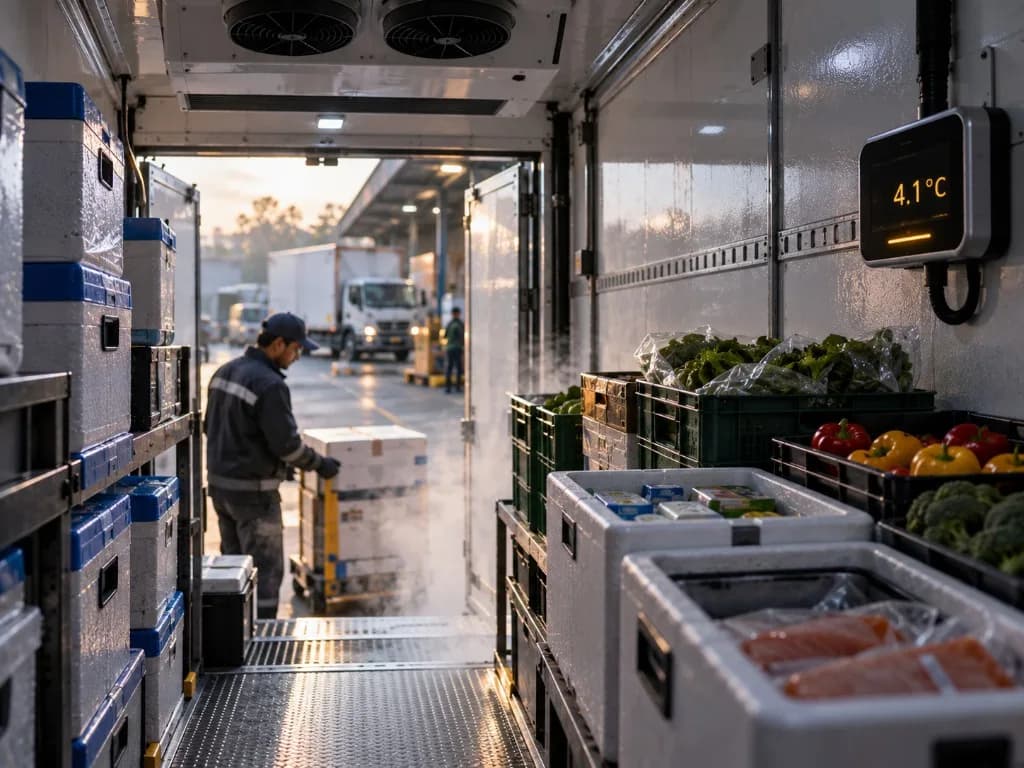

Available information depends on your vehicles, connected devices and configuration. Temperature monitoring requires compatible sensors. Confirm required records, alerts and compliance needs before deployment.

The connected advantage

Track vehicles, review trips
and investigate exceptions.

See the SafarTrak platform
01

See the vehicle activity

Start with reported positions and vehicle status. Find the fleet context behind your team’s next operational question.

Explore fleet visibility
02

Understand the journey

Review recorded routes, movement and stopped-time context. Bring relevant trip information into your fleet conversations.

Explore journey context
03

Guide the next decision

Explore operational reports and supported vehicle data. Connect the information available to the review your team needs to make.

Explore operational insights

Software first. Your fleet connected.

Configure around
the fleet you run.

Start with your operation, then confirm the connections and data that support it. SafarTrak brings the software view together with the right setup for your vehicles.

Explore compatible third-party devices
  1. 01

    Your operational question

    Share the journey, vehicle activity or condition your team needs to understand.

  2. 02

    Your vehicles and existing devices

    Confirm coverage for ST100, ST200 or compatible third-party devices, with supported sensors where needed.

  3. 03

    Your relevant software workflow

    See available screens and data in a guided demo. Confirm reporting, review and configuration requirements with our team.

See SafarTrak at work

Bring a fleet question.See how to investigate it.

Bring your fleet’s real priorities. Explore the connected software behind your next decision.

Talk to the SafarTrak team