01
Reported vehicle location
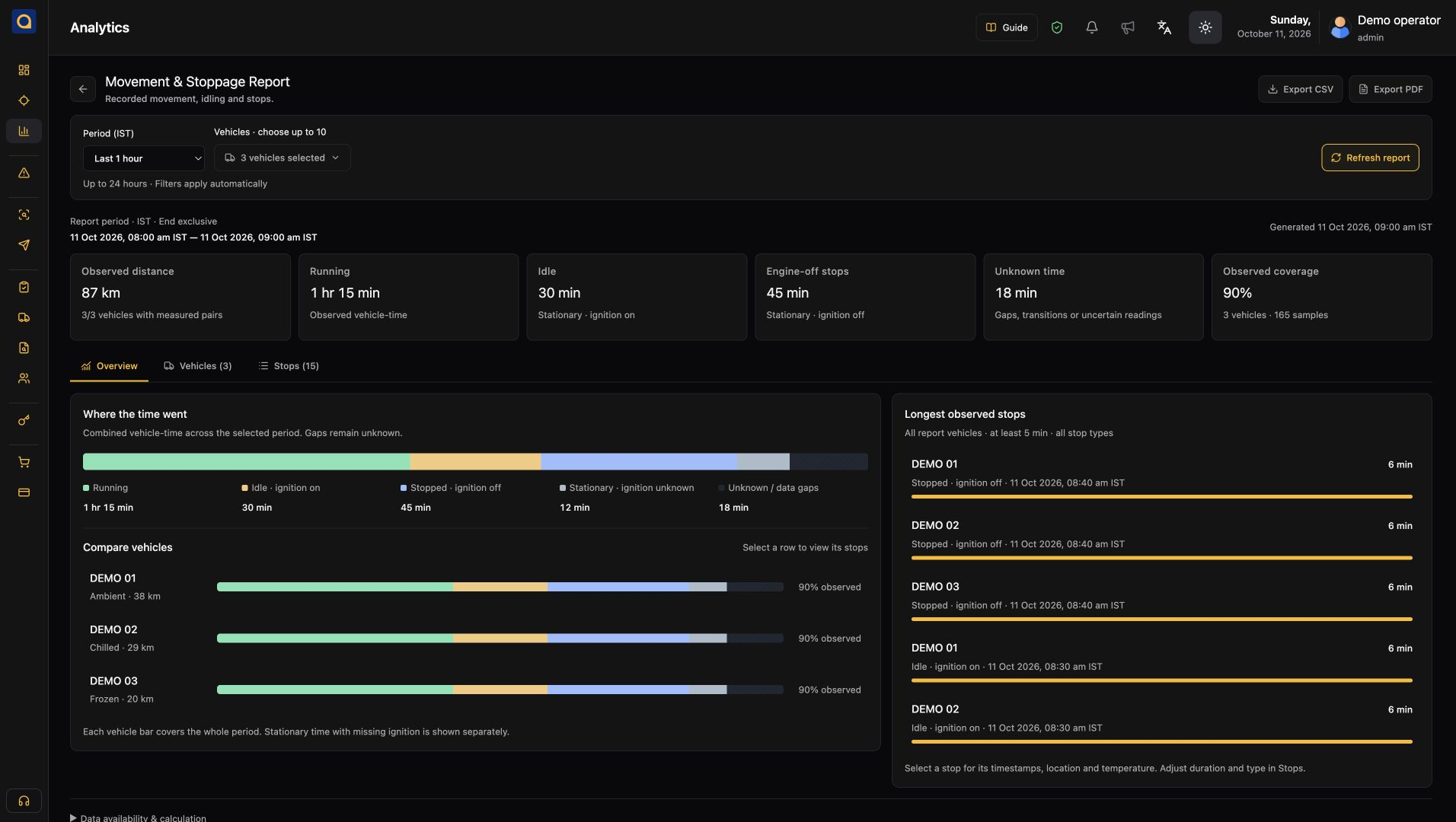
Check reported vehicle locations and their update times before answering a dispatch question.
ENTERPRISE WIRED TELEMATICS FOR COMMERCIAL FLEETS
Plan a permanent wired installation with 9–90 VDC vehicle power and 4G LTE with GSM/GPRS fallback. Review location, ignition and supported CAN or sensor data. Check specifications, vehicle fit, wiring and local network availability before ordering.
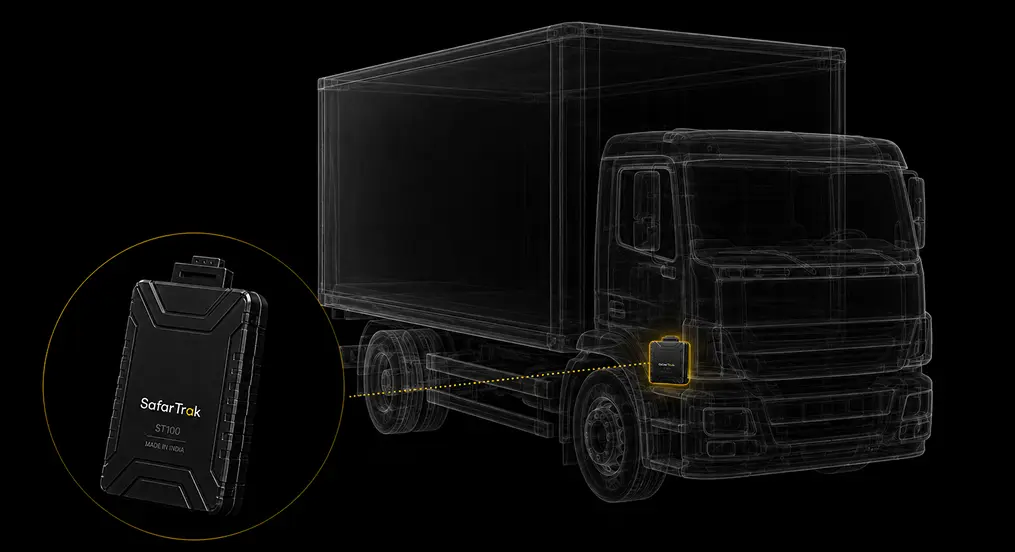
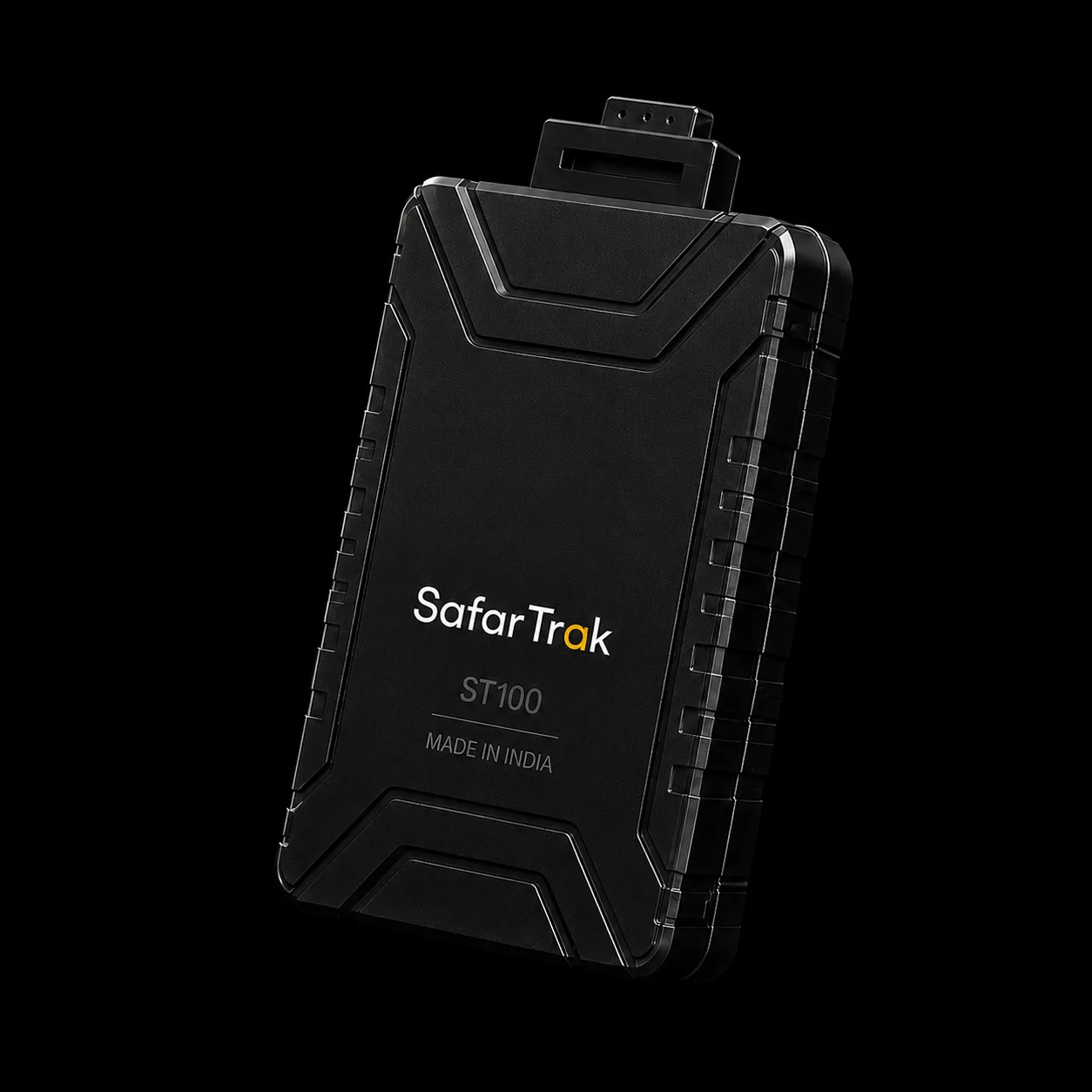
ST100 connects to vehicle power and sends location, ignition and supported vehicle readings to SafarTrak. Review the installation and required inputs for your fleet.
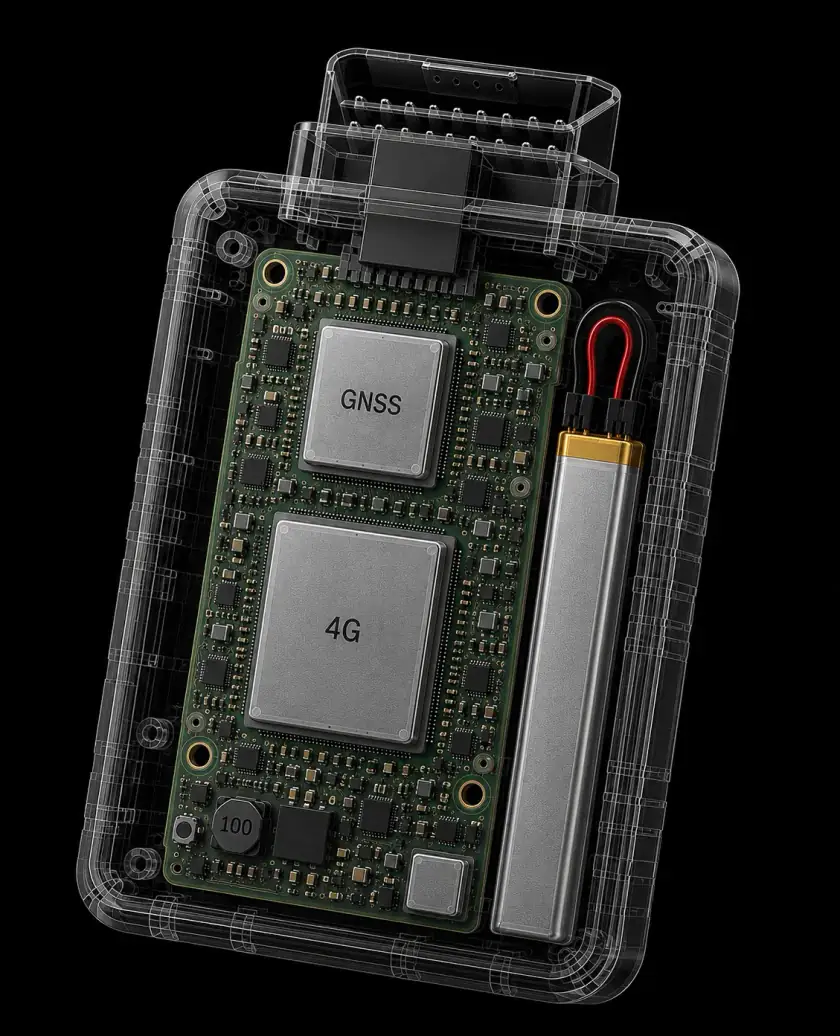
GPS · GLONASS · Galileo · BeiDou · QZSS (<5m accuracy)
4G LTE with 2G GSM/GPRS fallback
Bus · Digital Inputs · Analog Inputs · 1-Wire sensor support
3-axis accelerometer · Crash detection · Harsh driving alerts
9–90 VDC wide input protection · Internal Li-ion backup battery
Driving events · Reporting settings · Supported remote commands
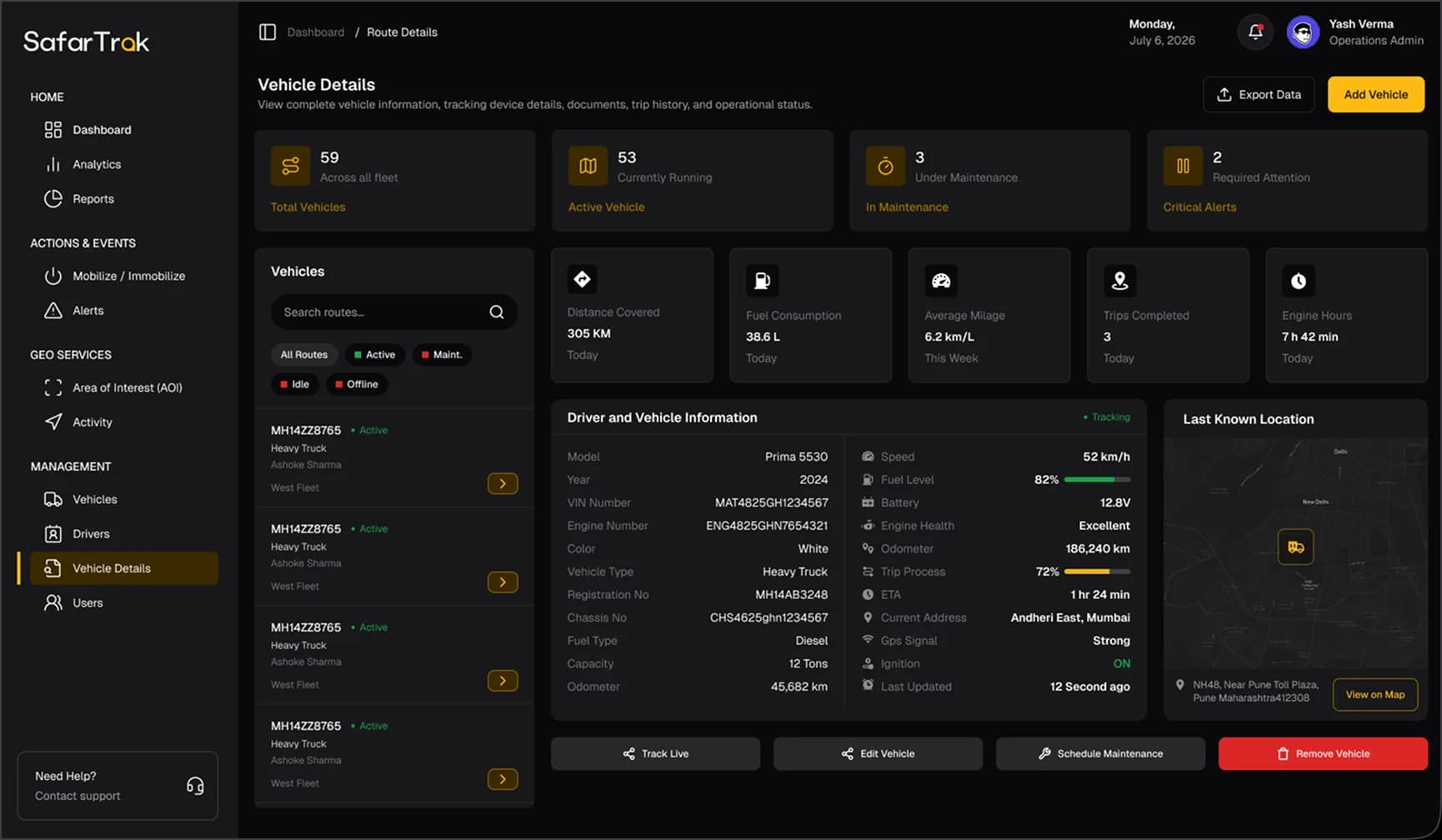
Review reported locations, supported vehicle diagnostics and recorded driving events in SafarTrak. Use those records to follow up with dispatch, drivers or maintenance.
How ST100 connects
Plan a permanent wired connection. Bring location, ignition and supported vehicle or sensor signals into the SafarTrak workflows your team needs.
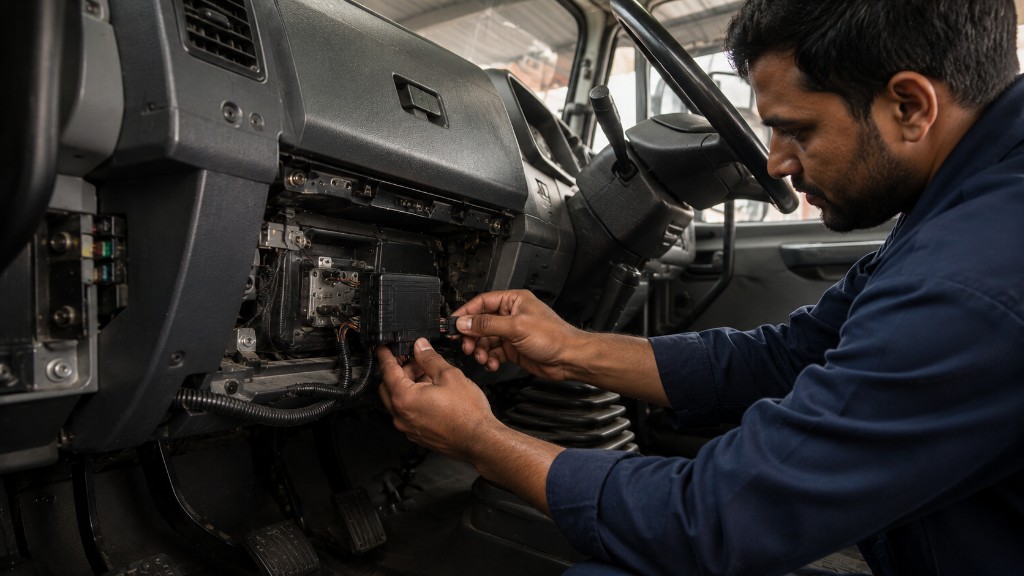
Plan the wiring and installation around your vehicle and required inputs.
Validate the CAN data and any additional sensors your operation needs.
Vehicle signals and sensor coverage depend on the installation, connected interfaces and configuration.
The ST100 converts raw vehicle signals into actionable fleet insights—capturing engine health, ignition status, driver behavior, and peripheral sensor events in real time.
Deep engine diagnostics & fuel monitoring
Engine ON/OFF status & idle detection
Door sensors, panic buttons & 1-Wire ID
ST100 with SafarTrak software
Choose a question your team recognises. Explore the screen, the information to review and the next useful action.
What does your team need to understand?
See your requirements in a demoOpen the vehicle you need to investigate. Review its reported position, latest update and fleet context before following up.
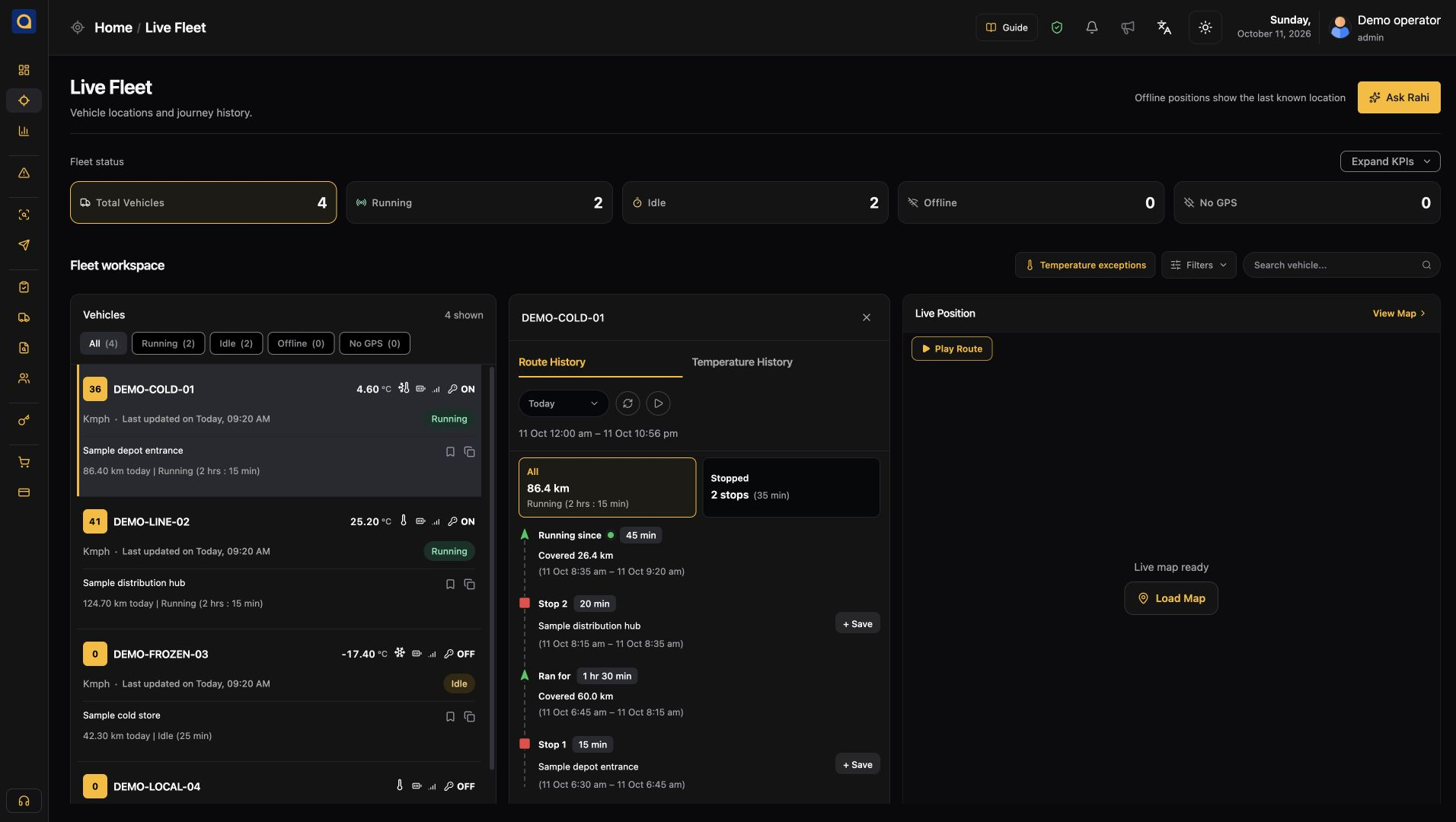
Vehicle status, reported position and latest update.
A position needs a timestamp and vehicle context to be useful.
Choose the vehicle to review before contacting the driver or dispatch team.
ST100 · Wired deployment
Explore ST100 when your fleet needs a wired installation and supported vehicle or sensor inputs. Start with the operational question, then plan the connection that supplies the right data.
ST100 AIS-140 model & India deployment informationPlan a fixed connection for commercial vehicles, with installation reviewed against the vehicle’s power supply and wiring requirements.
Bring location, ignition and supported driving events into the software workflows your operations team uses.
Discuss available CAN signals, fuel readings and supported peripherals. Confirm the required interfaces and sensor setup for each vehicle.
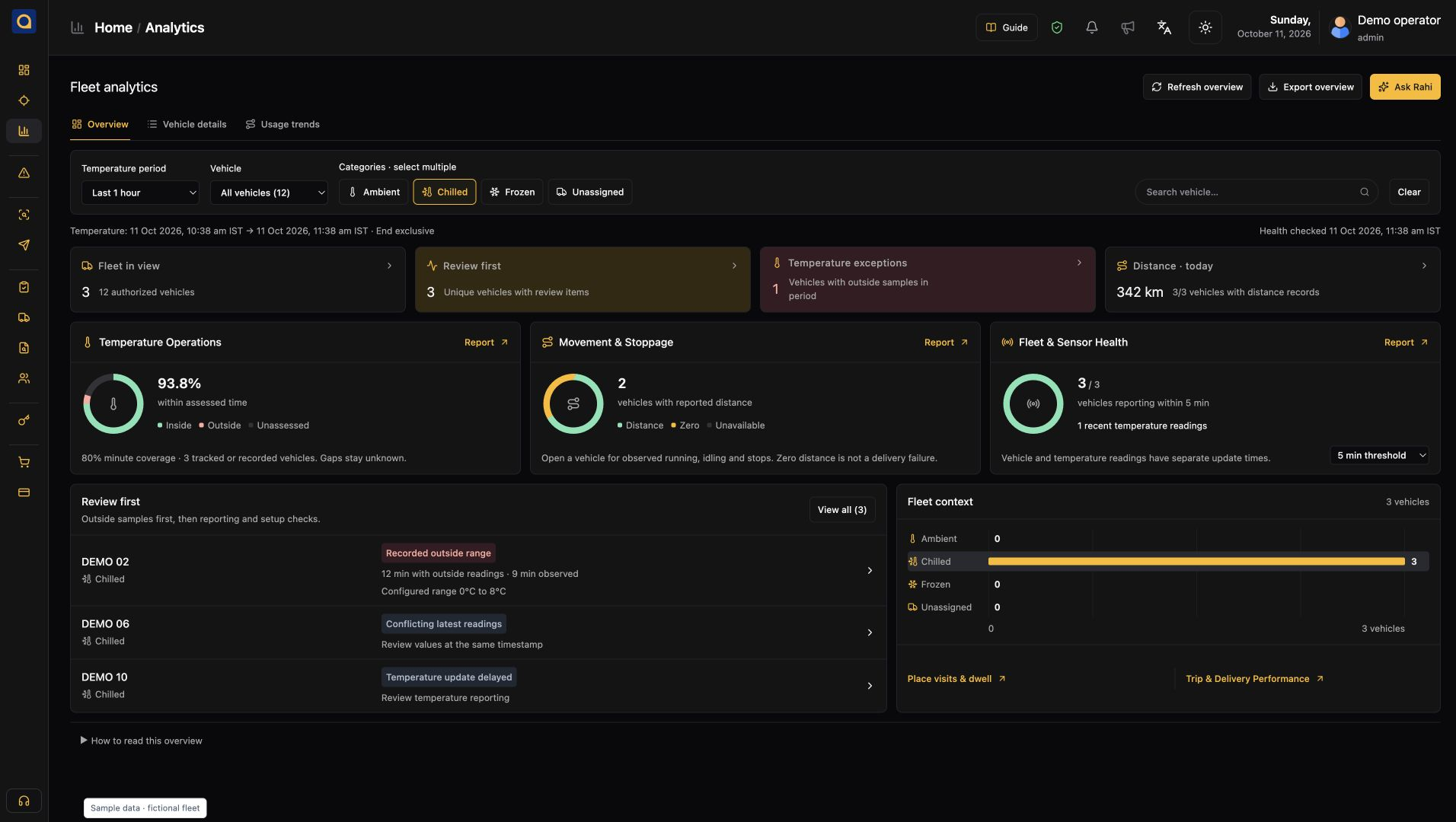
Open reported positions and vehicle status in a shared fleet view.
Explore the platformReview recorded trips and movement to understand what happened.
Explore the platformExplore activity reports and supported signals with your team.
Explore the platformPlan the right setup
Bring your vehicle details and the questions your team needs to answer. We’ll help you review the connection, confirm supported data and plan the next step.
What we’ll review together
Vehicle makes, models, power supply and installation access.
Location, ignition, driving events, CAN data and any additional sensors.
Installation, SIM and network coverage, configuration and a representative vehicle trial.
Need a plug-in option? Explore ST200
See SafarTrak at work
ST100 captures the signals. SafarTrak Fleet Platform turns them into information your team can use.
Talk to the SafarTrak team