
01
Where should dispatch focus?
Find the vehicle context
Check reported positions and vehicle status when the team needs to understand activity across the delivery fleet.
When a delivery run takes longer than expected, find the vehicle, check its last report and review recorded stops. Compare the trip with your delivery plan before following up with the driver.
Give dispatch, fleet and operations teams the information they need to ask better questions about each delivery journey.
Where should dispatch focus?
Check reported positions and vehicle status when the team needs to understand activity across the delivery fleet.
What happened along the route?
Review recorded routes and stopped-time context to investigate movement between the hub and delivery areas.
What deserves a closer look?
Explore available operational reports to inform fleet reviews and follow up on recurring activity.

A connected view of the delivery fleet.
Find the vehicle, journey and sensor records your team needs to investigate a problem.
Bring reported positions, status and vehicle context into the daily dispatch review.
Explore the solutionUnderstand recorded movement and stopped-time context across delivery runs.
Explore the solutionReview supported driving events alongside journeys to guide useful driver conversations.
Explore the solutionRoute playback
Follow the recorded journey, open the stop that needs explaining and compare its timing with the delivery plan.
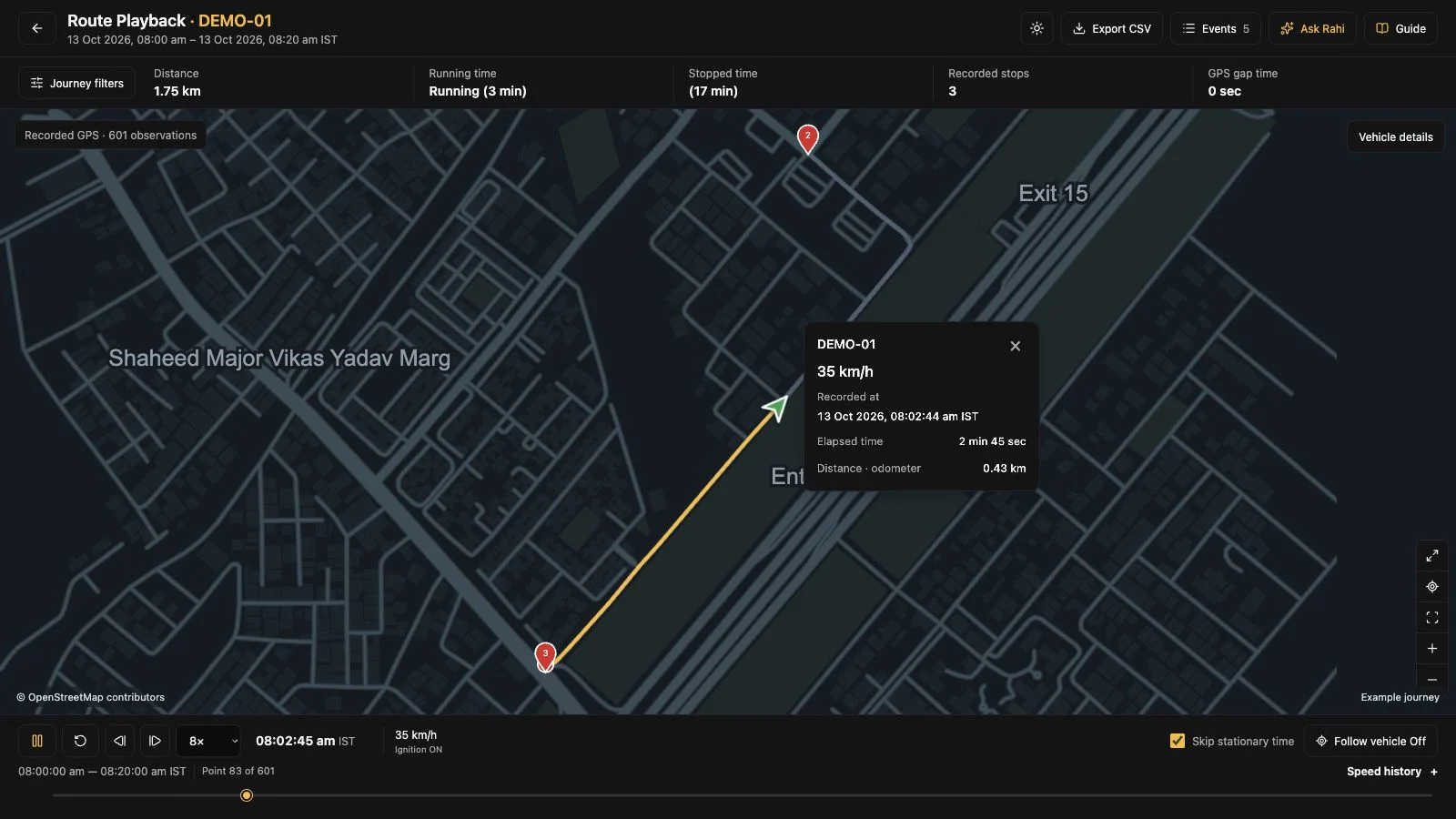
Open a recorded journey for the vehicle and hours you want to review.
Someone at the hub needs an answer. Check the run and its stops before asking the driver to explain the delay.
“Which part of the delivery run needs checking?”
Replay the recorded route between the hub and delivery area. Choose the part of the day your dispatch question concerns.
See route playback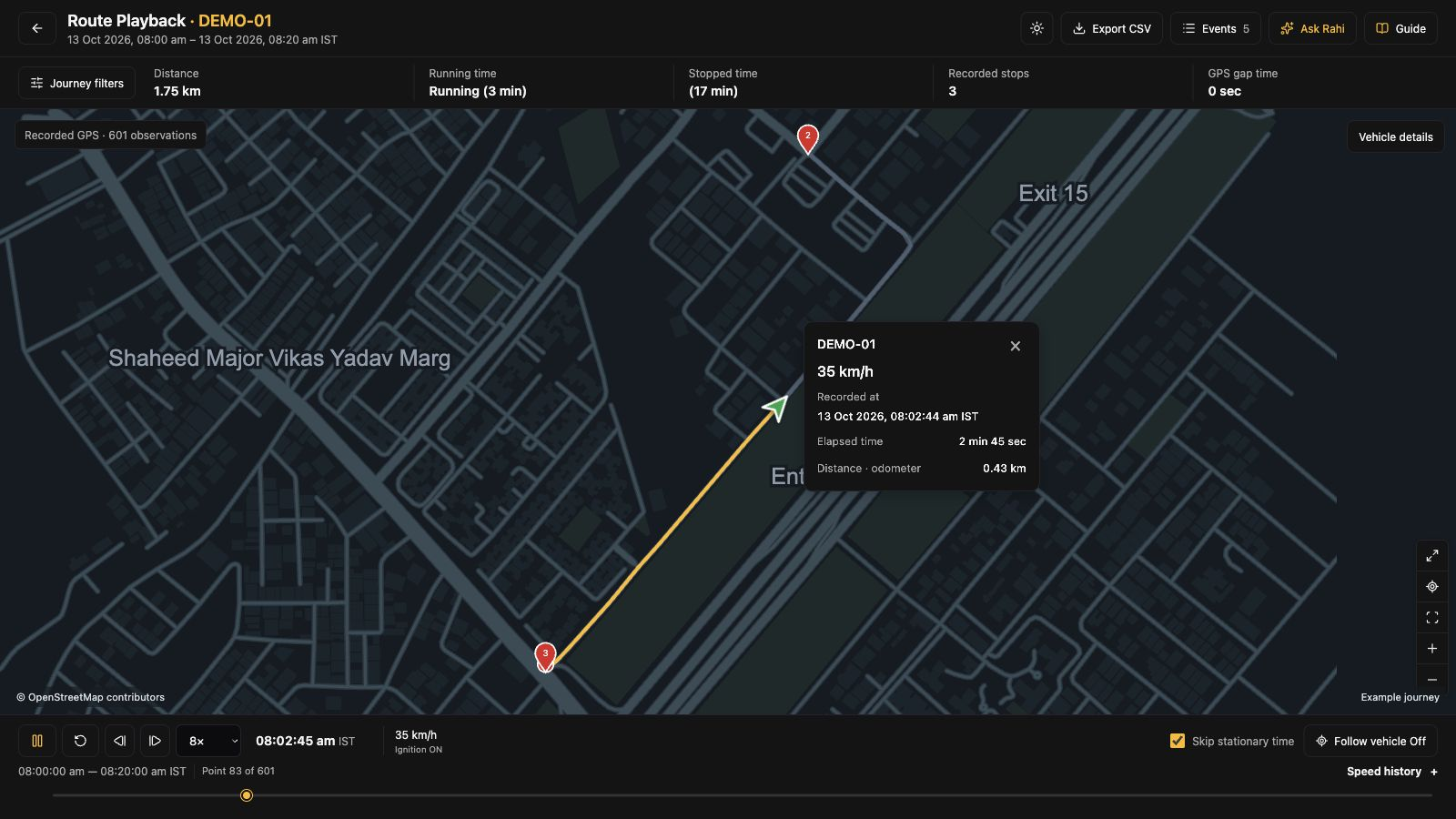
Compare the recorded journey with the delivery plan in your order system.
“Did the vehicle wait at that location?”
Select the recorded stop and check its position and duration. A vehicle stop is a useful lead for investigation; it is not proof of a parcel handover.
Review journeys and stops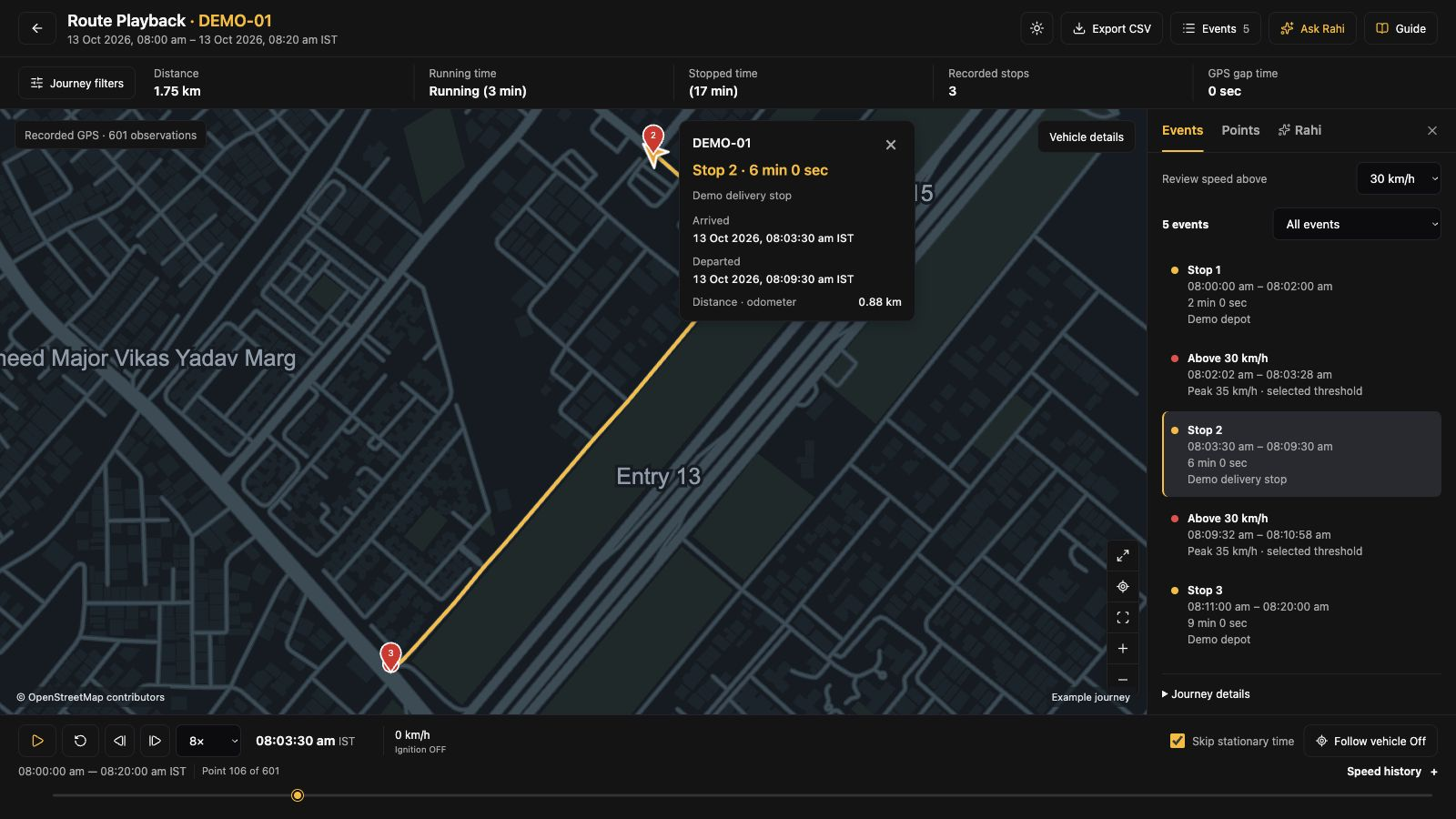
Ask the driver or hub team about that interval and check the delivery record.
“Are the same waits repeating?”
Compare running, idle and stopped time for the same working period. Check hub queues and vehicle assignments before deciding what needs to change.
Review movement reports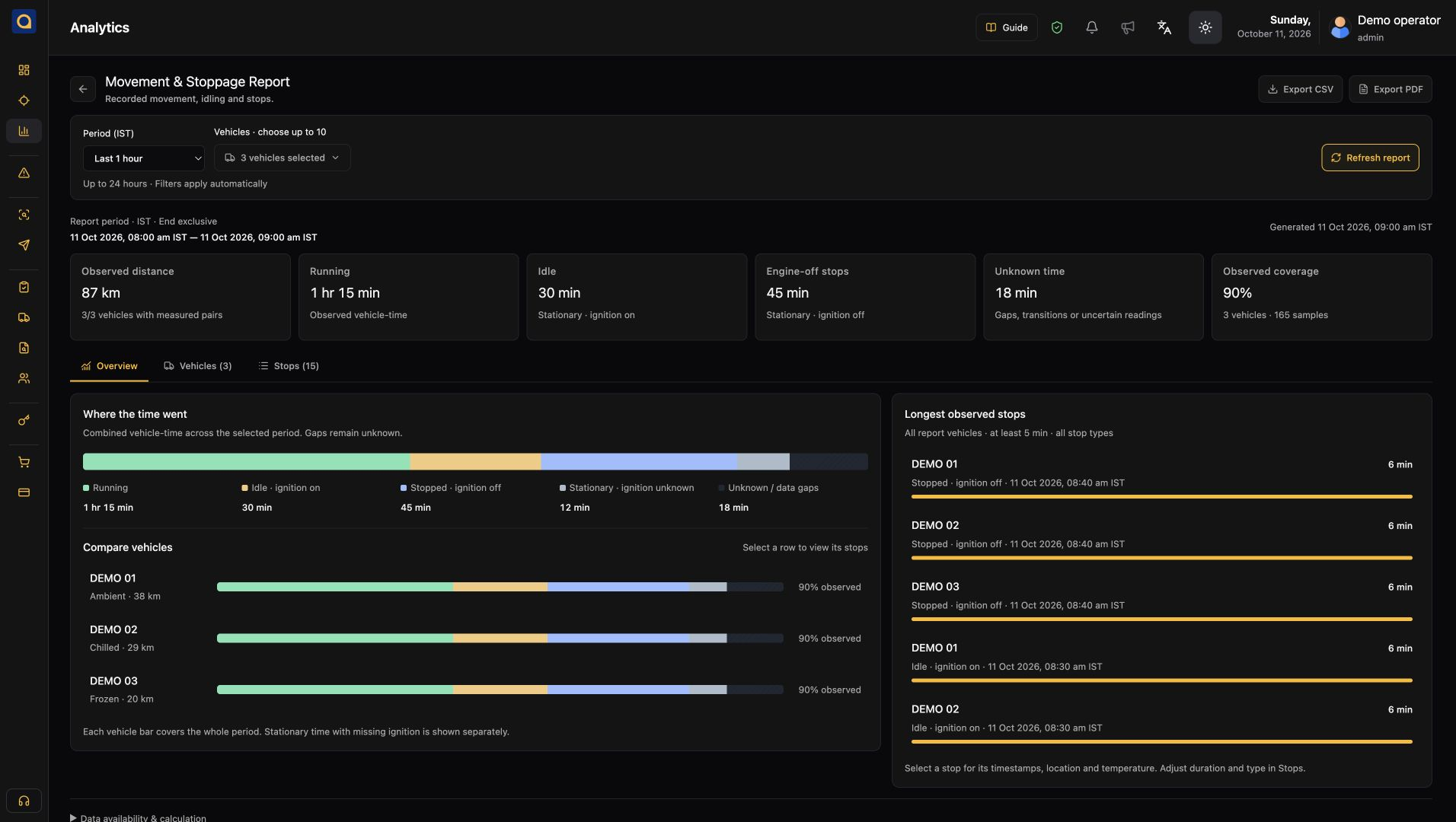
Bring recurring waits to the hub planning review with the relevant runs.
“What should tomorrow's team check?”
Review the selected vehicle group and the items that need attention. Keep the next conversation tied to a run, time or repeated wait.
See fleet reports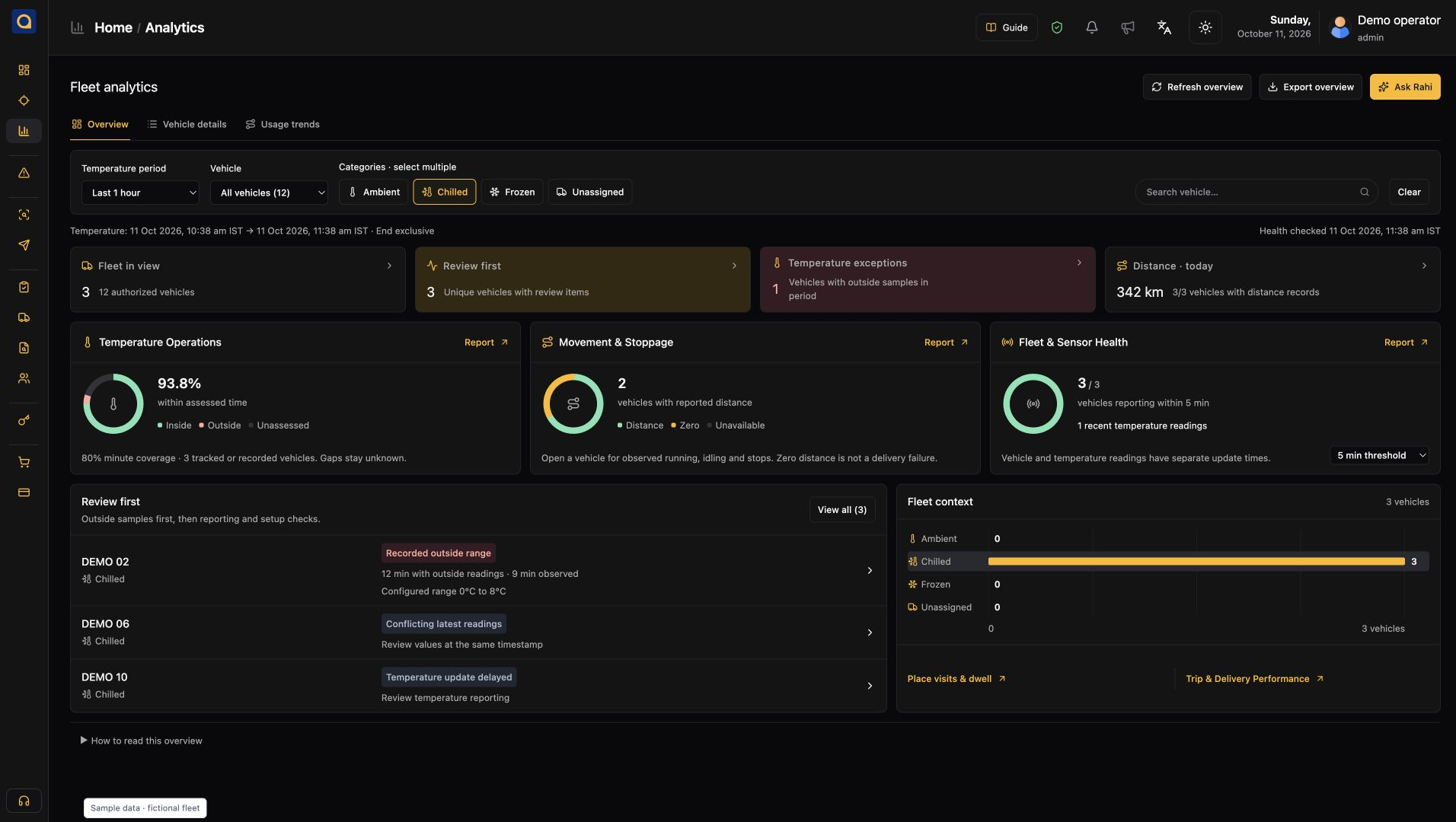
Agree a follow-up with dispatch and the driver rather than forwarding an unexplained screenshot.
The working day
The delivery plan lives with your dispatch team. SafarTrak gives them vehicle and journey records to help check what happened on the road.
 01 / At the hub
Confirm assignments with dispatch and check which vehicles are reporting before the delivery run begins.
 02 / On the road
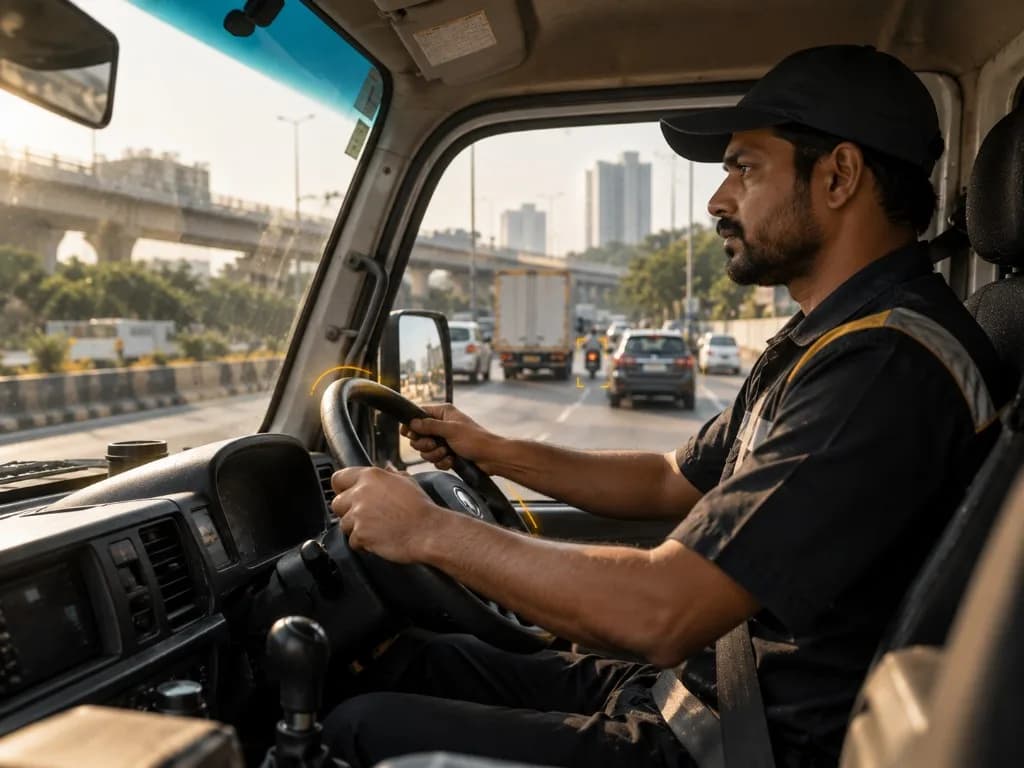
Check the relevant journey and stop before calling the driver. Ask about a specific location and time.
 03 / Back at the hub
Compare the run with your delivery records. Follow up on repeated queues, loading delays and vehicle assignments.
Start with your hubs, vehicles and daily delivery review. Build the software view around the fleet information your operation needs.
Explore devices & compatibilityRead the delivery guideIdentify your hubs, fleet mix and the dispatch questions you want the software to help answer.
Review ST100, ST200 or compatible third-party devices, reporting intervals and connectivity across your delivery areas.
Use a demo to review fleet activity, journeys and reports. Discuss any order-system integrations your operation requires.
See SafarTrak at work
Show us how your fleet works. We’ll explore the vehicle data and software workflows that matter to your team.
Talk to the SafarTrak team