
Login

Trackers for your fleet

Choose how your vehiclesconnect to SafarTrak.

Build the connection around your fleet. Choose ST100, explore ST200 for compatible OBD-II vehicles, or check whether your existing trackers can connect to SafarTrak software.

THE CONNECTION LAYER
SafarTrak softwareVehicle status, journeys and reports.
Already have devices? Explore compatibility

Begin with the way your fleet works

What does your
deployment need?

Choose the setup closest to yours. See the relevant device path and the details to discuss before moving forward.

YOUR STARTING POINT / ST100

A permanent connection for working fleets.

Start here when you want an installed device that stays with the vehicle, with supported vehicle-data and sensor connections planned around your operations.

Explore ST100 for a wired deployment.Explore ST100Discuss this setup

WHAT TO CHECK TOGETHER

  1. 01

    Your vehicles

    Vehicle types, power supply and the installation location.

  2. 02

    The data you need

    Location, available CAN signals and required fuel or temperature sensors.

  3. 03

    Your installation plan

    Wiring, peripheral compatibility and access to each vehicle.

Use this as a starting point. The right setup depends on your vehicles, required signals and deployment plan.

SafarTrak devices

Built for connection.Chosen for your fleet.

Compare the requirements
Wired telematics
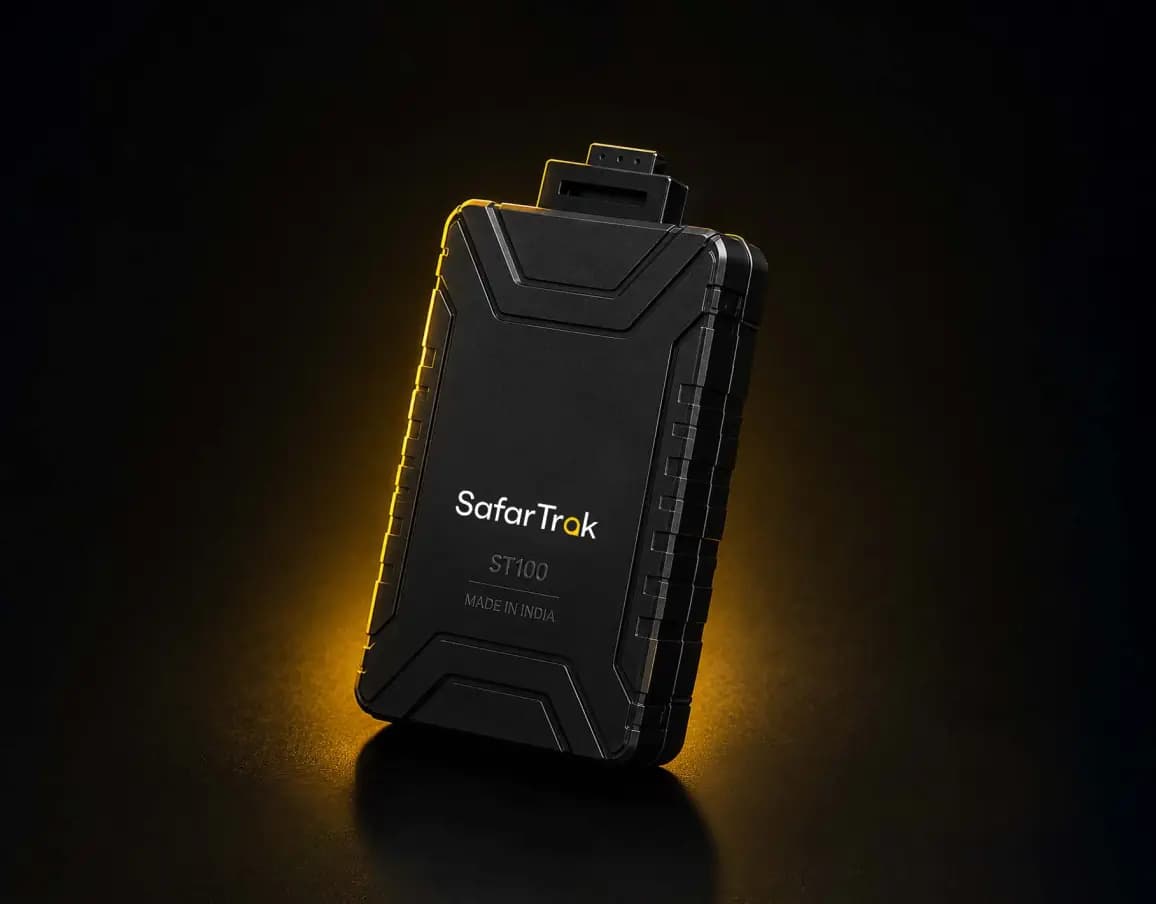
SafarTrak ST100 tracking device

ST100

Wired Fleet Telematics Tracker

For a permanent installation, with vehicle and sensor connections planned into your fleet setup.

Installation
Wired to the vehicle
Power range
9–90 VDC input
Data connections
Supported CAN, 1-Wire and BLE peripherals
OBD-II telematics
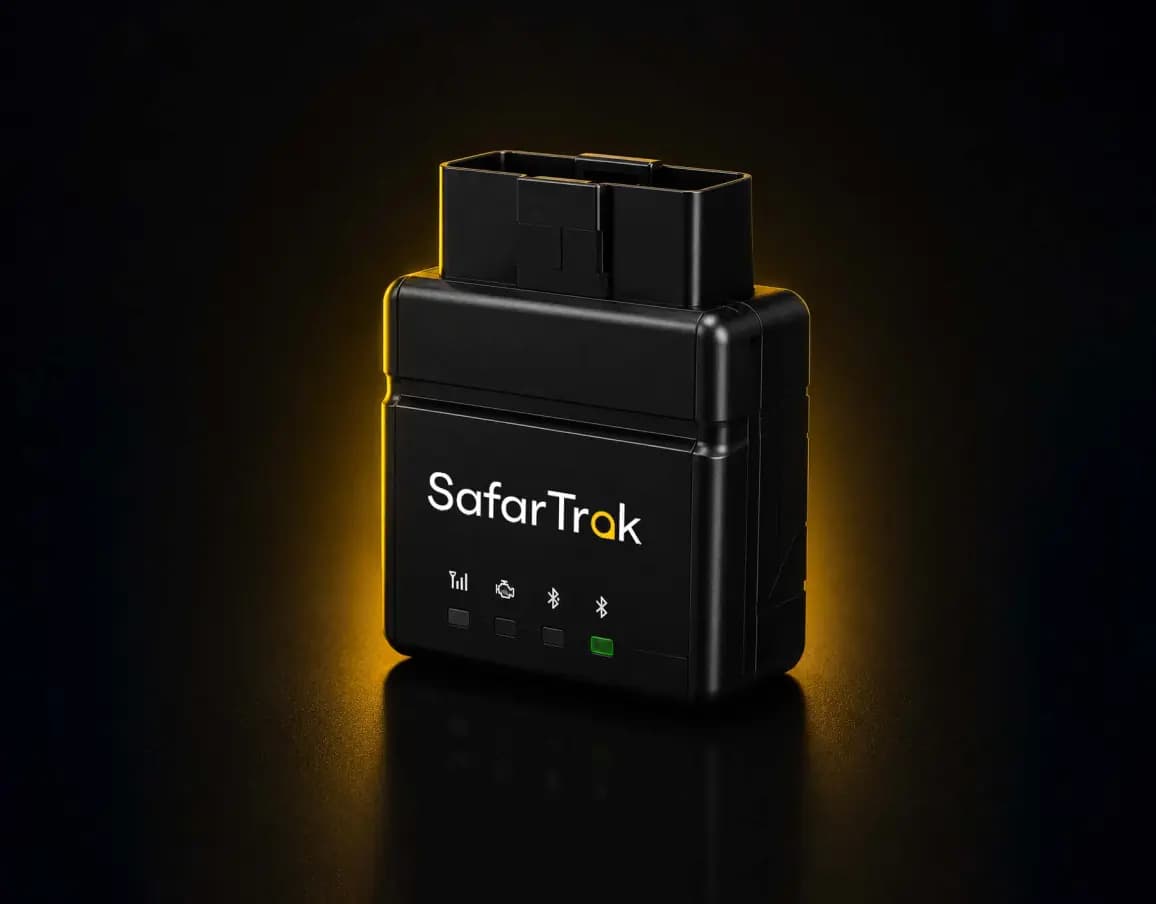
SafarTrak ST200 tracking device

ST200

Plug-and-Play OBD-II Tracker

For compatible vehicles with an OBD-II port, bringing location, movement and available CAN data together.

Installation
Compatible OBD-II port
Power range
9–32 VDC input
Data connections
Available CAN data and built-in accelerometer

From the device to the software

Connect vehicle readings.Review them in SafarTrak.

Available vehicle and sensor information is the starting point. Explore how SafarTrak brings it into fleet visibility, journey reviews and operational decisions.

A clear starting point

Compare the connection.
Plan the deployment.

Look at installation, power and available data together. Then confirm the setup against your specific vehicles and operational requirements.

ST100 and ST200 — installation and deployment requirements
RequirementST100Wired telematicsST200OBD-II telematics
InstallationWired installationPlug into a compatible OBD-II port
Vehicle power9–90 VDC9–32 VDC
Vehicle dataSupported CAN and peripheral inputsAvailable CAN diagnostic data
SensorsSupported 1-Wire and BLE peripheralsBuilt-in accelerometer
Backup powerInternal battery; confirm runtime for your setupUp to 8 hours, depending on configuration and battery ageing
Deployment checksInstallation, wiring and sensor compatibilityPort, vehicle and diagnostic-data compatibility

Installation

ST100
Wired installation
ST200
Plug into a compatible OBD-II port

Vehicle power

ST100
9–90 VDC
ST200
9–32 VDC

Vehicle data

ST100
Supported CAN and peripheral inputs
ST200
Available CAN diagnostic data

Sensors

ST100
Supported 1-Wire and BLE peripherals
ST200
Built-in accelerometer

Backup power

ST100
Internal battery; confirm runtime for your setup
ST200
Up to 8 hours, depending on configuration and battery ageing

Deployment checks

ST100
Installation, wiring and sensor compatibility
ST200
Port, vehicle and diagnostic-data compatibility

Supported signals and features vary by vehicle, device, sensors and configuration. Confirm certification documentation for your selected device before purchase.

Talk through your requirements

Compatible Third-Party Devices

Keep your existing trackers?Start with a compatibility check.

Your next software decision can start with the hardware you already have. Share your current setup so we can review connection requirements, supported data and deployment costs.

Bring your setup.We’ll review the connection.

  1. 01

    Device details

    Brand, model, firmware and available protocol or connection documentation.

  2. 02

    Your vehicles and data

    Vehicle types, fleet size, sensors and the information your team needs.

  3. 03

    Your rollout requirements

    Current provider, operating locations and the changes to plan together.

Compatibility is established through a review of the specific device and required signals.

See SafarTrak at work

Show us the fleet problemyou want to solve.

Bring your vehicles, devices and operational requirements. Let’s plan your connection to SafarTrak.

Talk to the SafarTrak team