
Plan a practical evaluation
Choose a daily task, collect device details and use the worksheets to record fit, gaps and the rollout decision.
Open the buyer evaluation kit
Every journey has people counting on it.
A delivery is late. Check the vehicle’s latest update, replay the run and inspect its stops before your team makes the next call.
Vehicle tracking. Recorded journeys. Fleet reports.
Connected to the work your people do.
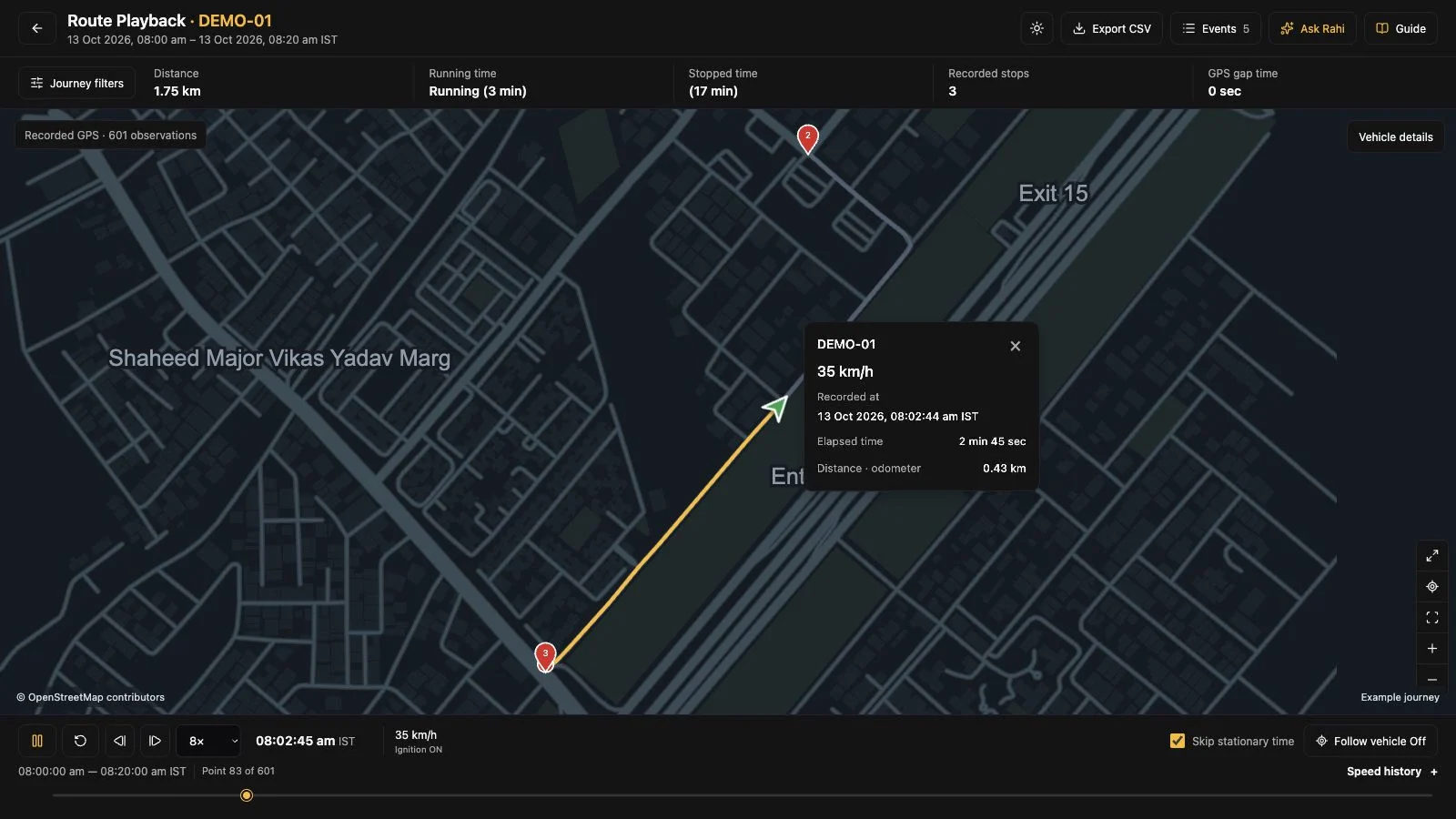
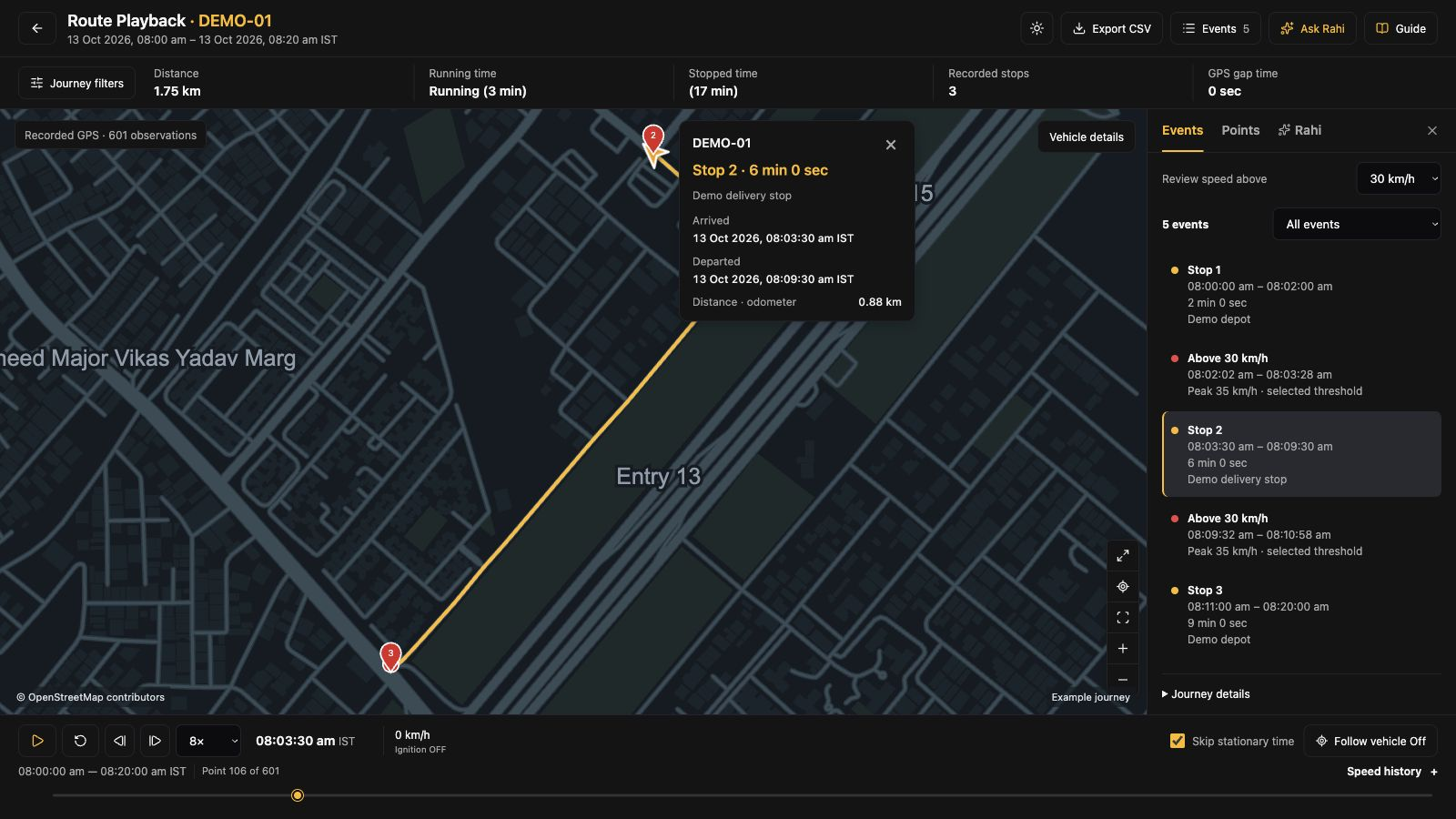
A delayed run needs context. Follow the recorded route and inspect stop timing before asking dispatch what happened.
Walk through these records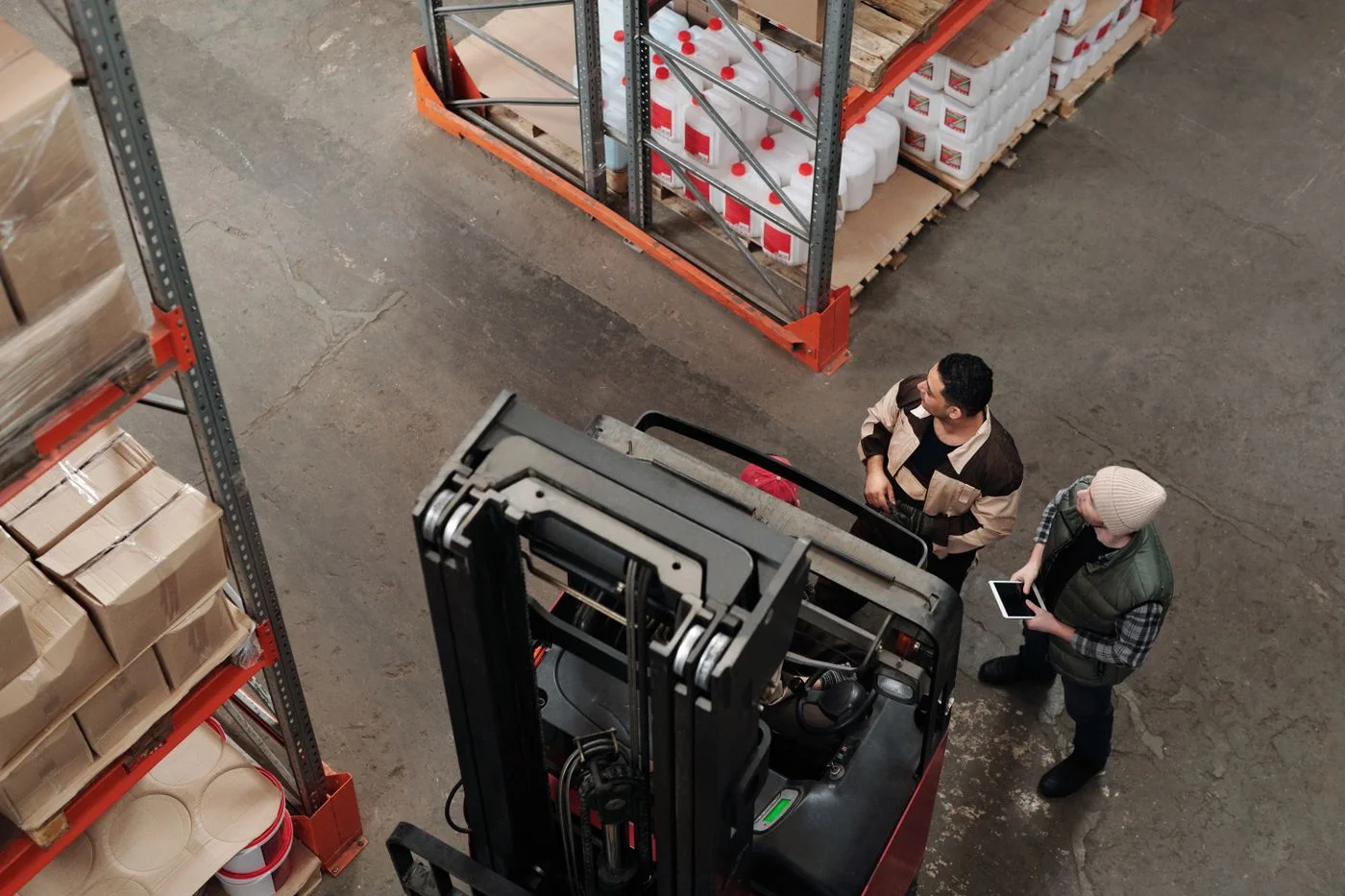
The work behind every trip
The truck has left the depot, the delivery is taking longer than expected, and another run is waiting. Your team needs to know what happened before deciding what to do next.
SafarTrak puts vehicle updates, recorded journeys and activity reports within reach of the people handling that call.
Follow the working dayFor the people running the day
Dispatch has a delivery question and the driver is still on the road. Open the recorded journey, select the stop and check its timing before making the call.
Go into the conversation with the stop location and duration in front of you.
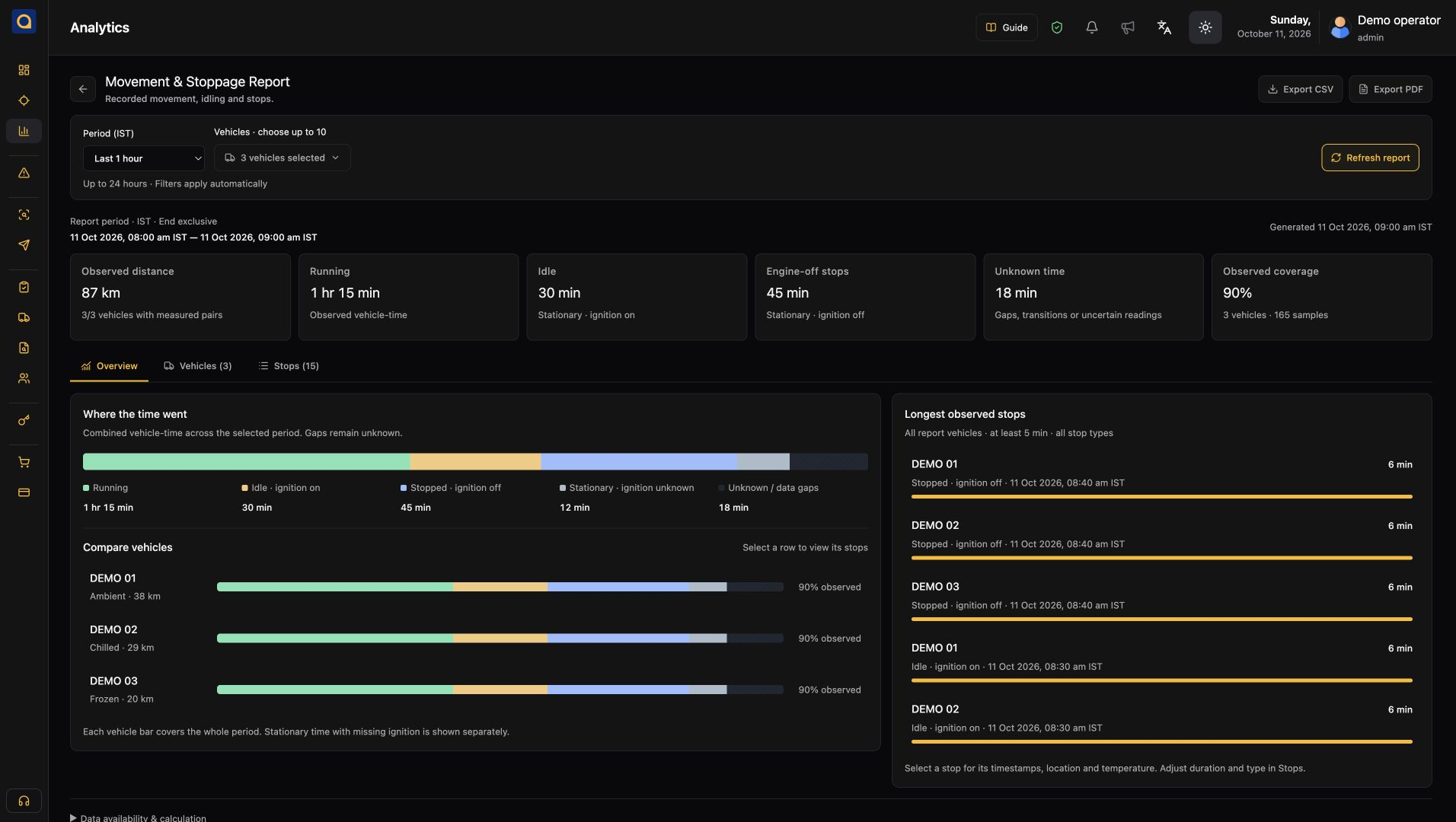
A full day on the roster can include hours at a loading bay. Compare running, idling and parked time, then review the longest waits with the depot team.
Find the periods worth investigating before changing an assignment.
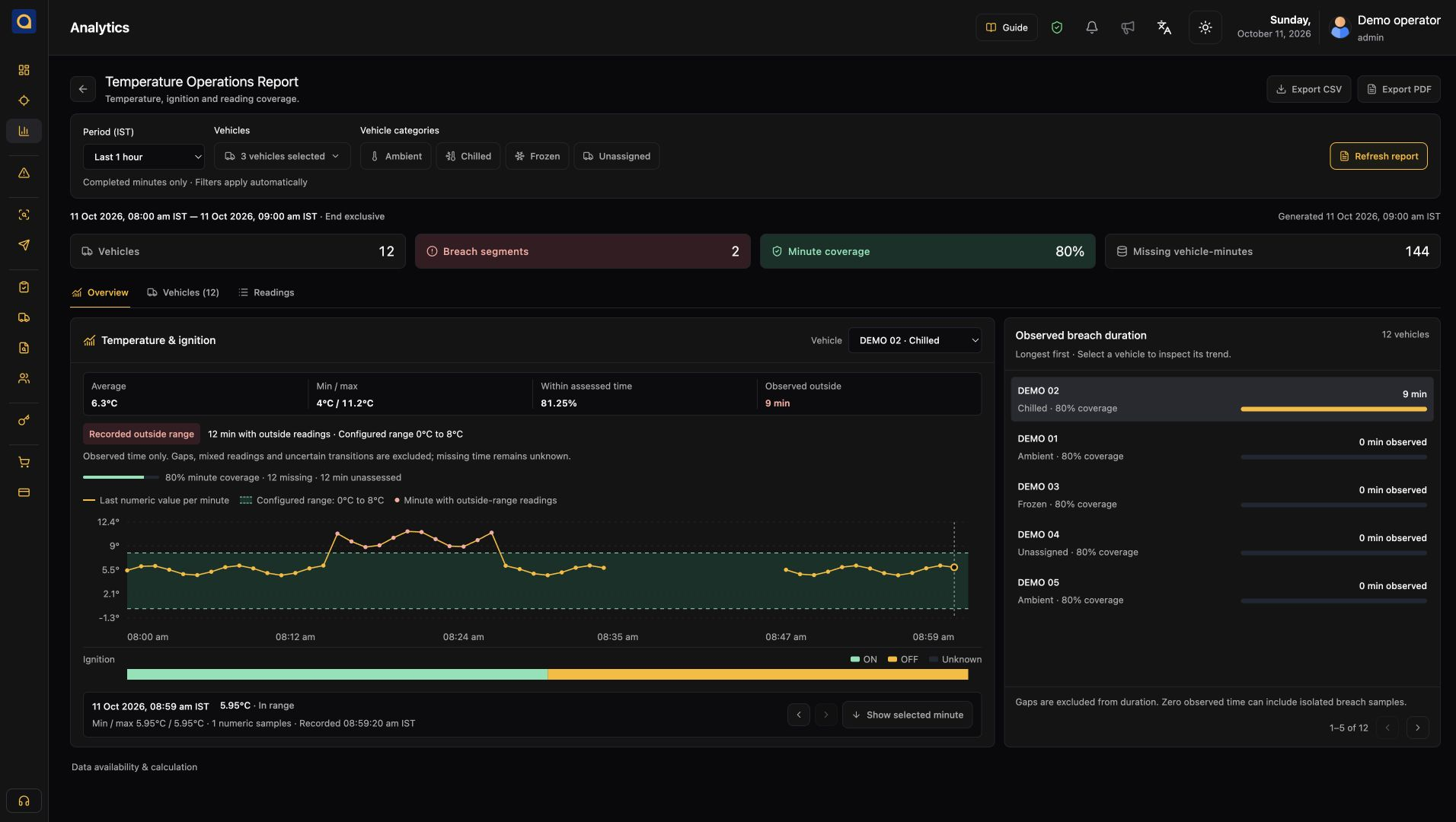
A chilled load needs more than a last reading. Inspect the temperature trend, the time of the change and the available sensor history with the people responsible for the shipment.
Bring the relevant readings into the cargo review and decide who needs to follow up.
What your team can work with
Start with the job your team needs to do. Each capability connects to a specific screen, record or review.
Find the vehicle and check its latest reported position, status and update time.
Replay a recorded run and inspect where the vehicle stopped and for how long.
Separate driving, engine-on waiting and parking across the same reporting period.
Review available fuel readings alongside trips and stops when investigating a change.
Bring supported speed and driving events into a conversation about a specific journey.
Inspect timestamped sensor readings and changes during a temperature-sensitive run.
Use available diagnostic signals and vehicle records to prepare a maintenance follow-up.
Review your vehicle mix and confirm the electric-vehicle data available from each setup.
Fuel, diagnostic, driver-event and sensor coverage depend on your vehicle, device and configuration. Check your setup ↗
Keep the hardware that fits
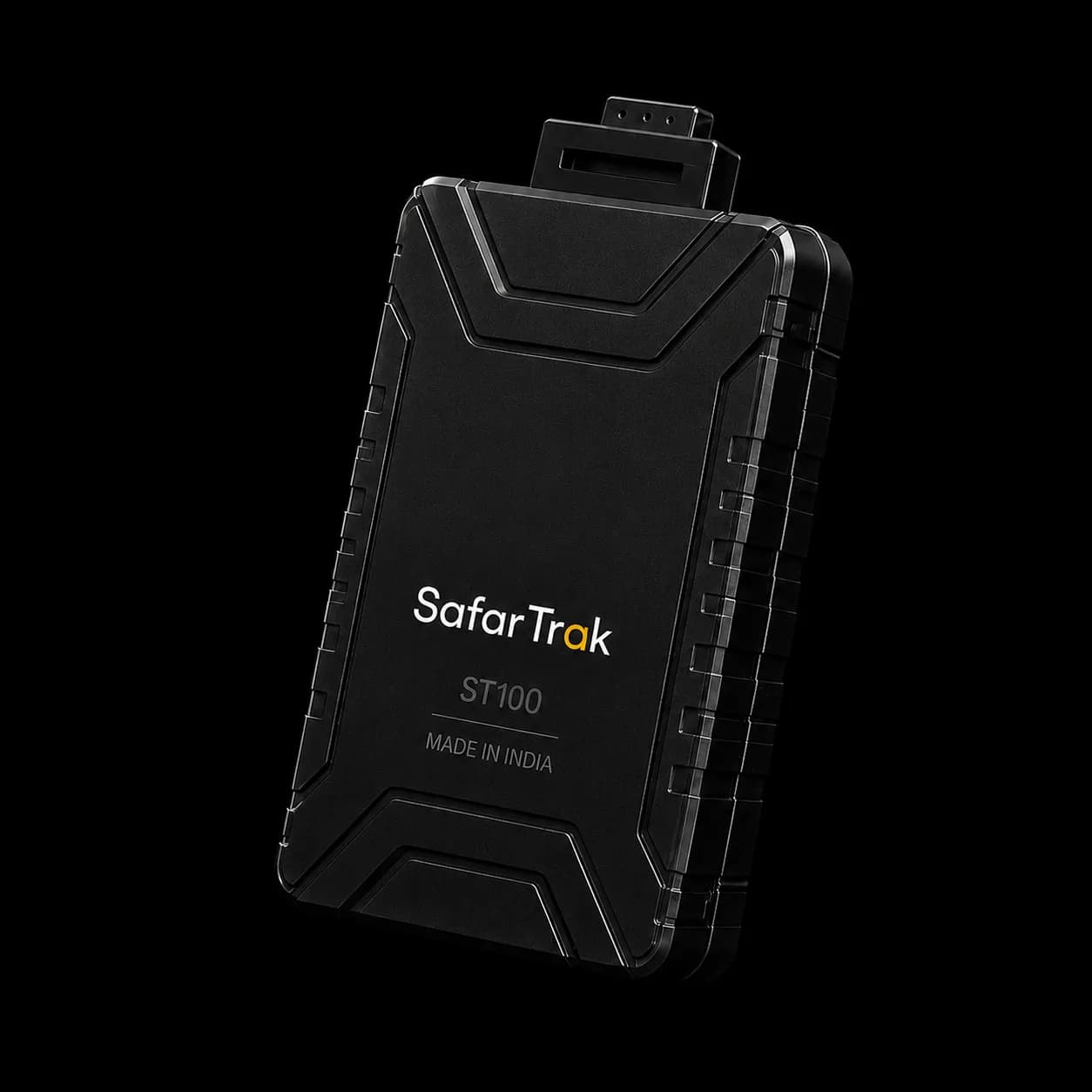
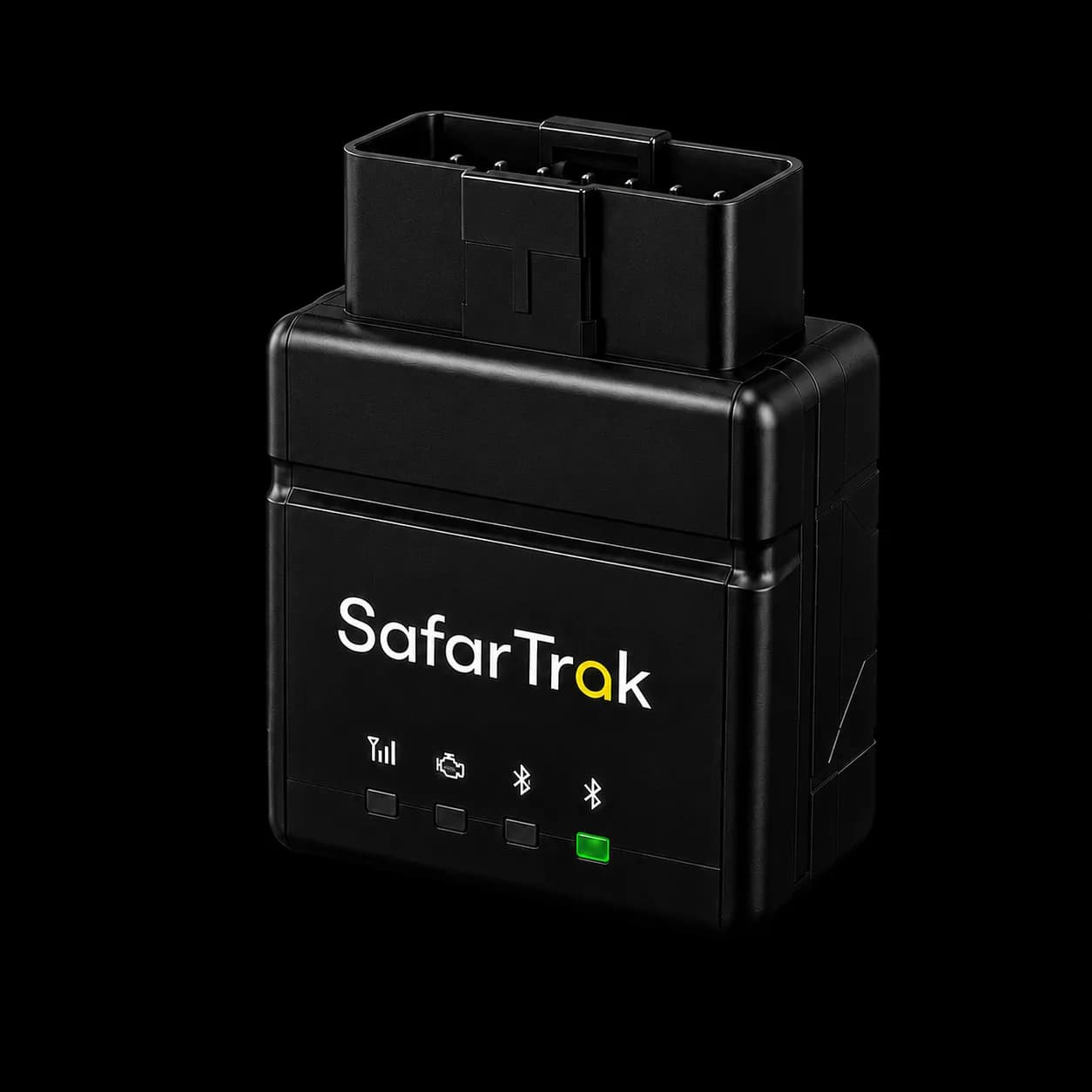
Share the brand and model of your existing devices. We’ll check which readings can reach SafarTrak and what the setup needs. If new hardware is required, review ST100 or ST200 against your vehicles.
See what the software coversMeet Rahi
Meet your SafarTrak website assistant. Ask about the platform, explore device compatibility or find the right starting point for your fleet.
Rahi answers website questions. For questions about your vehicles or reports, request a platform demo with the team.
Start with your question.
Choose your industry

Check vehicles, long stops and activity between depots.

Investigate delivery delays and stops between the hub and doorstep.
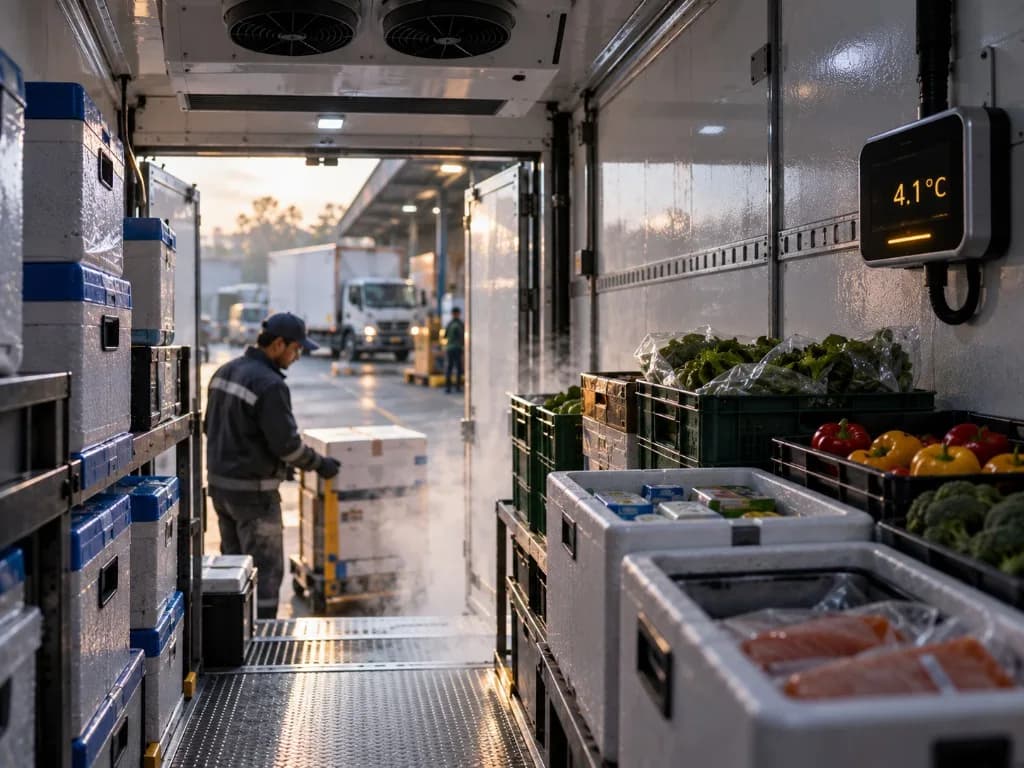
Review distribution runs, delivery stops and vehicle use.

Review trips alongside readings from compatible temperature sensors.
A practical path to your platform
Bring your vehicle groups, tracker models and one real operating question. Use the demo to agree what to validate before discussing a wider rollout.
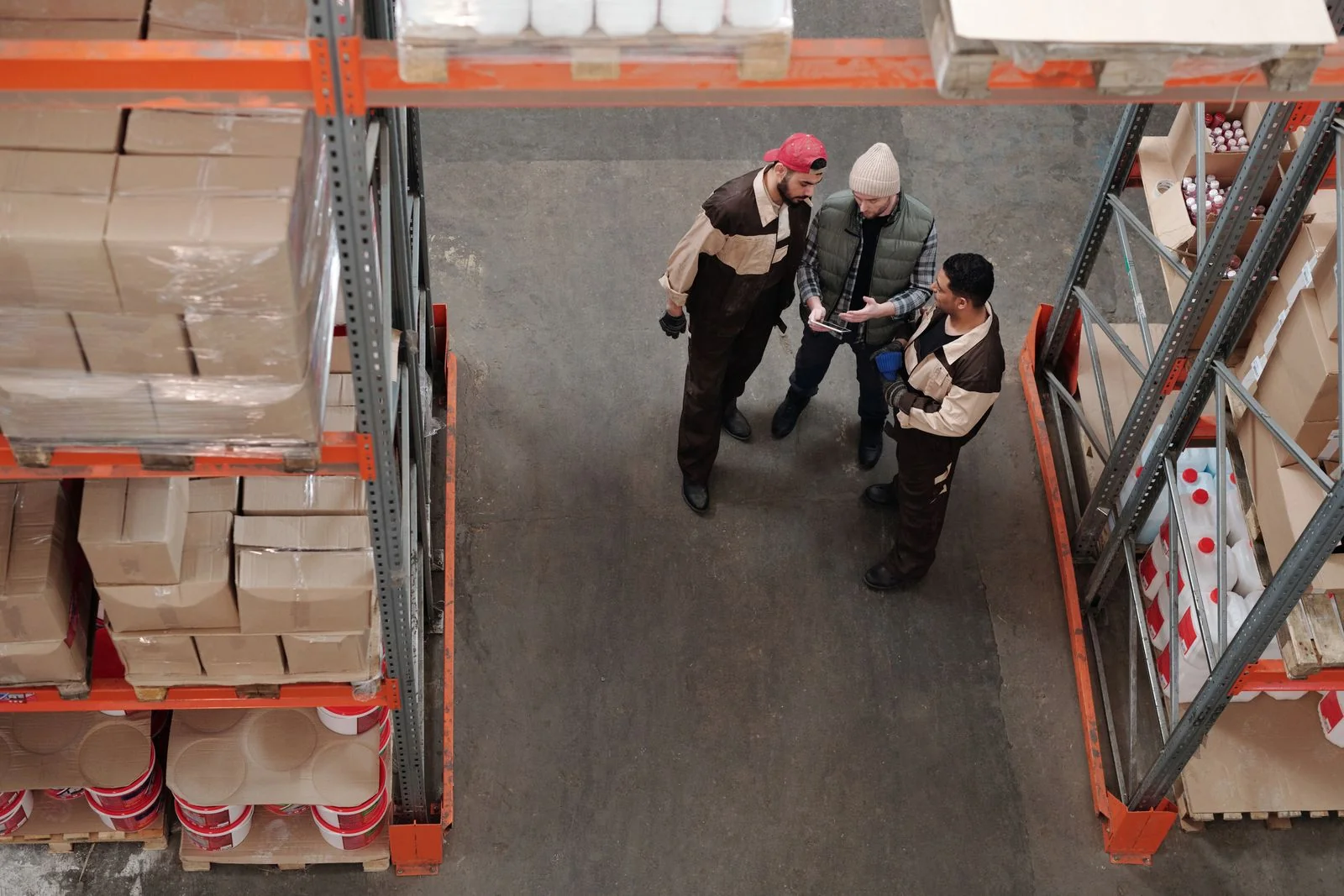
Choose one question and a representative vehicle group. Use the evaluation kit to record what a useful answer must show.
List tracker models, vehicle interfaces and required readings. Agree which signals and coverage need validation.
Walk through a recorded run or report. Confirm data gaps, support responsibilities and quote scope before deciding.
Fuel, diagnostic and sensor data require compatible hardware and configuration.
Before you get started
Ask us about your vehicles, devices and the setup you need.
Talk to our teamCheck reported vehicle locations and status, replay recorded journeys and stops, and review running time, idling and driver events. Fuel, vehicle diagnostics, EV readings and sensor reports require compatible vehicles, devices and configuration.
Share the exact brand, model and firmware of your trackers. The SafarTrak team will check the protocol, available readings and configuration access before recommending a migration. You can also review ST100 wired and ST200 OBD-II devices.
Live tracking shows the latest reported vehicle update. Route playback follows recorded history for a selected vehicle and period, so you can inspect where it travelled, when it stopped and the associated speed records.
Bring your vehicle types, tracker models and a question your team needs to answer. Request a platform demo or use Contact Us to find the right team. The team will walk through the relevant screens and check what your setup needs.
Evaluate SafarTrak
Choose a daily task, collect device details and use the worksheets to record fit, gaps and the rollout decision.
Open the buyer evaluation kitExplore vehicles, stops, temperature evidence and operational reports.
Take the guided tourUnderstand the software, device and rollout details to include in your quote.
Explore pricing & rolloutBring security, data ownership and service requirements into your evaluation.
Visit the trust centreSee SafarTrak at work
Bring a vehicle, a trip or a report you need to understand. We’ll walk through the relevant screens with you.
Talk to the SafarTrak team