Start with the question, not the bigger number
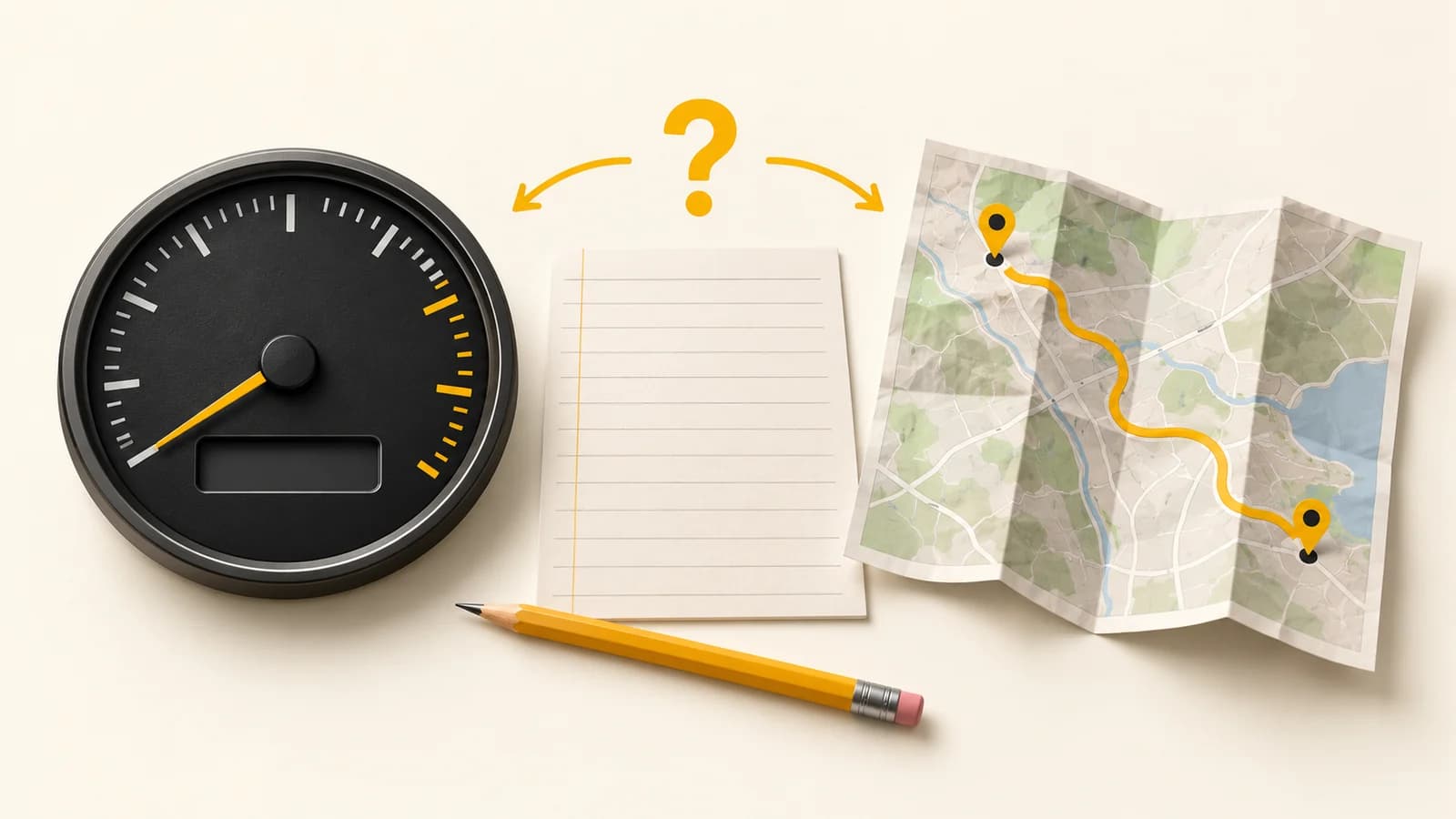
A trip report shows one distance while the vehicle’s dashboard suggests another. Before changing a maintenance record or questioning a driver, check whether the two figures describe the same vehicle, period and measurement. A difference alone does not establish a tracker fault, an incorrect dashboard reading or misuse.
For a fleet buying or evaluating software, this is a useful acceptance question: can the provider explain where each distance field comes from and help your reviewer reproduce the comparison? Start with one representative vehicle and one clearly bounded run. Keep registration numbers, driver details and actual journey records in your controlled fleet files.
Separate accumulated readings from distance within a period
An accumulated odometer reading and a distance total for a selected trip are different quantities. To compare them, record the accumulated reading at both agreed boundaries and subtract the start from the end. Compare that difference with a report covering those same boundaries, rather than comparing the report with the vehicle’s lifetime total.
Ask whether the platform field comes directly from the vehicle, is calculated from recorded positions, or includes a manual starting value or adjustment. Geotab’s developer documentation distinguishes raw, corrected and adjusted odometer records, including calculations that use GPS distance. This manufacturer example demonstrates why a field’s label is insufficient; it does not describe SafarTrak’s implementation or guarantee an odometer field for your vehicle.
Match the clock and the units
Write the start and end times, timezone and unit beside each record. A dashboard photo taken after the vehicle has moved again does not close the earlier trip boundary. A report for a calendar day may include different activity from a dispatch shift crossing midnight. Ask how the report defines its start, end and included trips.
Check kilometres, miles and metres explicitly, including any conversion applied by an export or spreadsheet. Geotab’s API concepts documentation uses metres for an odometer example and requires correctly formatted time parameters. Those are examples from that system, not a promise about another provider’s export. Keep the original values and units alongside any converted comparison; do not alter source records to make the totals agree.
Inspect the evidence between the endpoints
Once the boundaries match, inspect the available journey record for gaps, missing trip segments and unexplained jumps. Ask which position records were available and how the distance was calculated. A line drawn between two recorded points does not, by itself, establish every turn taken between them.
The archived GPS.gov accuracy reference explains that positioning depends on receiver design and local conditions, including blocked and reflected signals. It is background about GPS positioning, not a measured distance-error allowance for your fleet. Geotab’s logging reference also explains how its own point-selection method affects the representation of a route. Ask your provider about the actual device and reporting method; do not assume that either manufacturer’s method applies to SafarTrak.
Keep a missing measurement separate from a delayed transmission. If a record reached the platform later, check its measurement time where available. If the device did not record the interval, later connectivity alone cannot demonstrate that missing distance. Mark the comparison unresolved when the required evidence is absent.
Use a paired-boundary review on a shared vehicle
Consider a review process in which one team hands a vehicle to another during the day. The reviewer agrees the handover time, records the available accumulated reading and saves the matching trip-report interval. At the end of the agreed run, the reviewer records the second reading and checks whether both records cover exactly that run. This is a process example, not a customer case or a measured result.
If the initial reading was captured only after the next team had already driven away, the comparison has a boundary problem. Request a new paired observation rather than calculating a correction from incomplete evidence. If the source or unit is unclear, obtain the field definition first. If a gap remains after those checks, give the provider the relevant period and evidence references to investigate.
Agree what the result permits
Use the blank worksheet below to record the source, boundaries, units, coverage, discrepancy and follow-up owner. Keep observed values separate from explanations that have not been verified. Record any approved adjustment separately, including its effective date and who authorised it. Do not quietly overwrite an earlier reading.
Agree the acceptance criteria for your operation with the responsible team and provider before the test. This article supplies no universal acceptable percentage, calibration instruction, billing rule or proof of tampering. Decisions about maintenance, reimbursement or contractual reporting need the relevant approved records and process. An unexplained mismatch is a question to resolve, not a conclusion about a person.
Bring the distance requirement to SafarTrak
If distance or accumulated vehicle readings matter to your workflow, bring your vehicle make, model, tracker model and required report to a compatibility discussion. Ask which source and fields the proposed setup supports, how timestamps and gaps appear, and what can be demonstrated on a representative vehicle. Vehicle data availability depends on hardware, vehicle support and configuration.
Use the existing data-quality Guide for the wider acceptance plan and the glossary for the odometer definition. This article focuses on reconciling two distance records. It does not claim that SafarTrak automatically reconciles or corrects odometers, exposes every diagnostic field, or supplies a vehicle reading through every OBD-II connection.
Sources and further reading
Manufacturer documentation illustrates vehicle-specific coverage. It does not establish compatibility for a SafarTrak deployment.
- Download the blank distance and odometer reconciliation worksheet (CSV)
- Geotab developer reference: GO device logging and odometer data types
- Geotab API concepts: time parameters and units of measure
- GPS.gov archived technical background: positioning accuracy (archive notes no updates since February 2025)
- Learn Fleet: odometer reading
- Check position timestamps before comparing a delayed record
- SafarTrak platform and journey review
BRING IT TO YOUR FLEET
Start with your vehicles.
Ask the right questions.
Share your vehicle mix, existing devices and required signals with the SafarTrak team.
Check the fields your vehicle and tracker can supplyDiscuss your deployment