Follow one issue beyond the alert
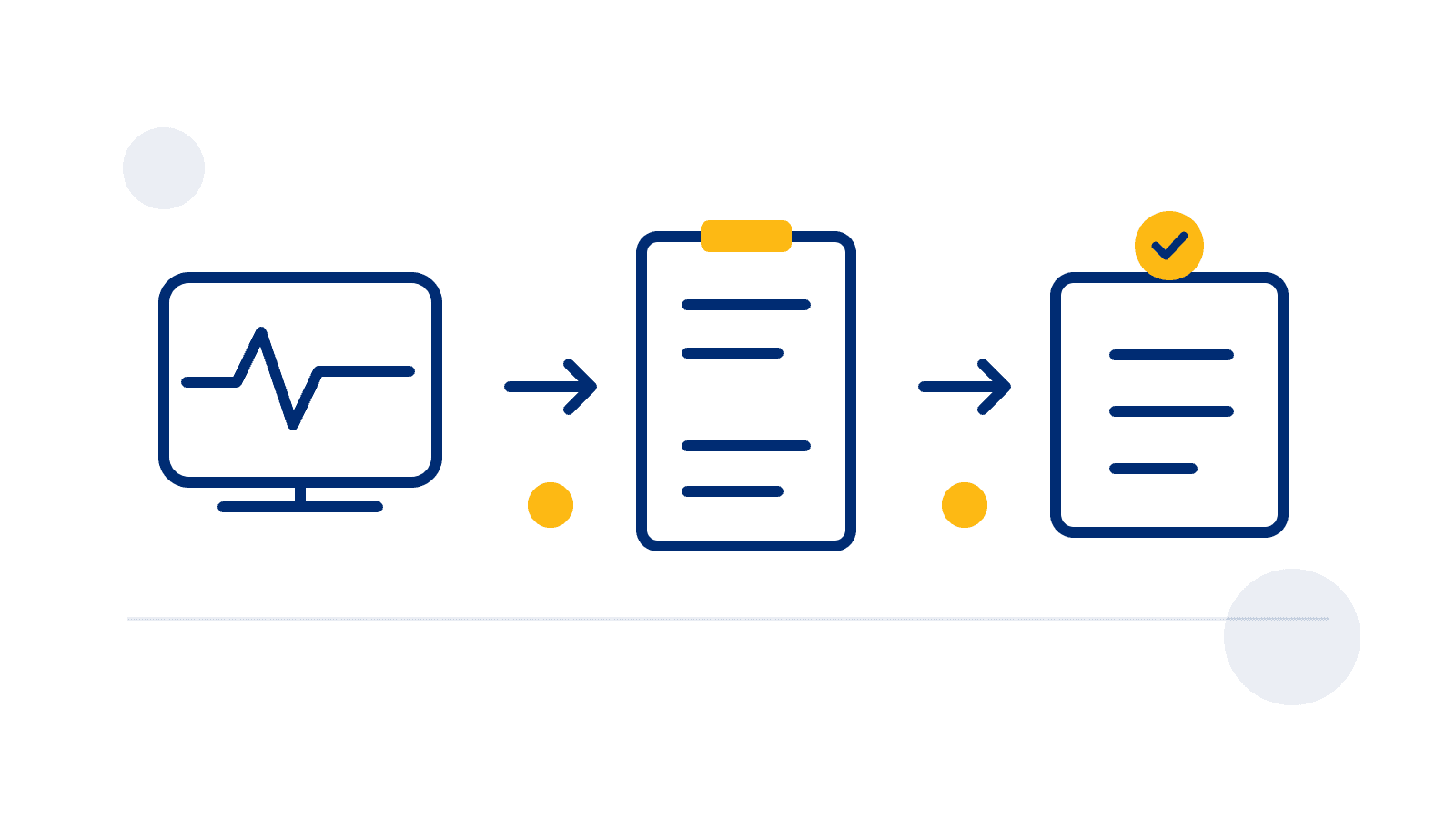
A fleet demo shows a vehicle fault on a screen. Your maintenance manager asks a different question: who reviews it, arranges the work and records what happened? Seeing a diagnostic reading does not establish that the same software manages a workshop task. Before buying, follow one approved sample issue through the steps your team actually needs.
For an India fleet software evaluation, bring the vehicle group, proposed device setup and the people responsible for maintenance. Agree whether you are evaluating access to vehicle evidence, management of repair work, or both. A requirement can be handled in another agreed system; make that handover explicit rather than assuming everything happens behind one dashboard.
Separate the evidence from the work
Start with the available evidence: which vehicle reported which reading or code, from what source and at what time? Ask the provider to show the record and explain missing or unsupported information for your proposed configuration. A connection to the vehicle does not prove that every diagnostic field is available. A fault record also does not, by itself, establish the repair required.
Then describe the operational work separately: who reviews the issue, who decides the next step, where a task is recorded and who confirms completion. Workshop scheduling, work orders, parts, approvals and service records are individual requirements to demonstrate if you need them. They should not be inferred from the phrase vehicle health monitoring.
Use a sample handover in the demonstration
Example scenario: a reviewer sees a supported fault record on a demonstration vehicle. Ask them to open its source and time, then identify the person responsible for reviewing it. Have the provider show how that person receives the issue, where the decision is recorded and how your team finds the follow-up later. This is a process test, not an instruction to create a fault or interfere with a vehicle.
If the next action belongs in an existing workshop system, show the actual handover available in the proposal. It might require a person to copy an approved reference, or a separately verified connection. Record the method, access requirements and owner. Do not assume automatic synchronisation, work-order creation or a supported integration from a presentation slide.
Finally, ask what constitutes closure. A note that an alert was reviewed, a workshop job marked complete and a fresh vehicle observation answer different questions. Agree which evidence your responsible maintenance team needs and where it is kept. A disappearing alert alone is not a repair acceptance record.
Compare requirements one row at a time
Use the blank demo sheet to separate the input signal, review decision, task assignment, workshop handover and closure evidence. For each row, record the demonstrated result, responsible person, system of record and any unresolved question. Mark a step demonstrated, external, unsupported or unresolved, using the evidence from that session. A feature name alone is not a pass.
Supplier documentation can help build this checklist without proving another supplier’s features. Geotab’s Maintenance Overview announcement separately lists faults, upcoming schedules, work requests and downtime. Those are distinct items in Geotab’s product description. Ask what each item means in the actual proposal you are evaluating; do not transfer that feature list to SafarTrak or any other platform.
Confirm the SafarTrak scope before deciding
SafarTrak’s platform page describes reviewing available diagnostic and vehicle information alongside operational records to support investigation and maintenance planning. Availability depends on supported hardware, vehicle interfaces and configuration. Ask the team to demonstrate the relevant records for your vehicle group and identify what remains untested.
If you need workshop scheduling, parts handling, approvals or work orders, put those requirements on the sheet and ask for a specific demonstration and written scope. This article does not establish those capabilities, automatic repair decisions or a maintenance-system integration in SafarTrak. Use the buyer evaluation kit for the wider pilot and commercial review.
Before rollout, agree the handover owner and the evidence needed to accept each required step. Keep safety and repair decisions with the responsible qualified team under your existing procedures. An unresolved workflow gap is useful buying information; it should remain visible until the provider and your team resolve it.
Sources and further reading
Geotab documentation describes that vendor’s own maintenance product. It helps identify separate requirements, not capabilities available in SafarTrak. The sample issue is fictional; use approved demonstration records, not private driver or customer data.
BRING IT TO YOUR FLEET
Start with your vehicles.
Ask the right questions.
Share your vehicle mix, existing devices and required signals with the SafarTrak team.
Discuss the vehicle evidence available in SafarTrakDiscuss your deployment