
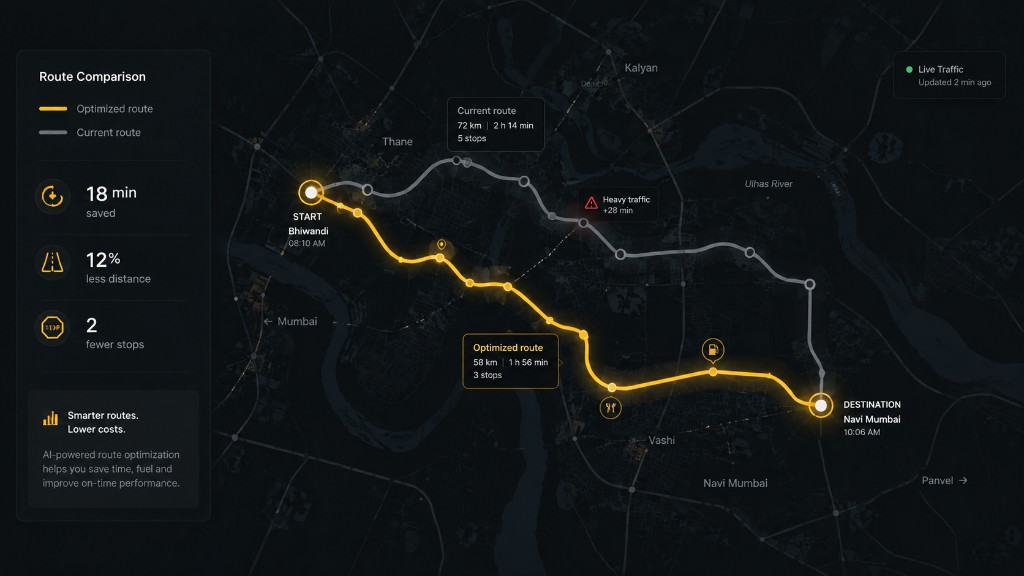
Route playback shows the path a vehicle drove over a period, so you can review a trip, confirm a delivery or check a complaint.
- Open the vehicle from the map or vehicle list.
- Choose route history and pick a period, such as today or yesterday, or set a custom start and end time.
- Play the route to follow the vehicle, and select points to see the time, speed and events at that moment.
Gaps in a route usually mean the device could not report, for example in an area with no mobile coverage. Points are sent once coverage returns if the device stores them.