
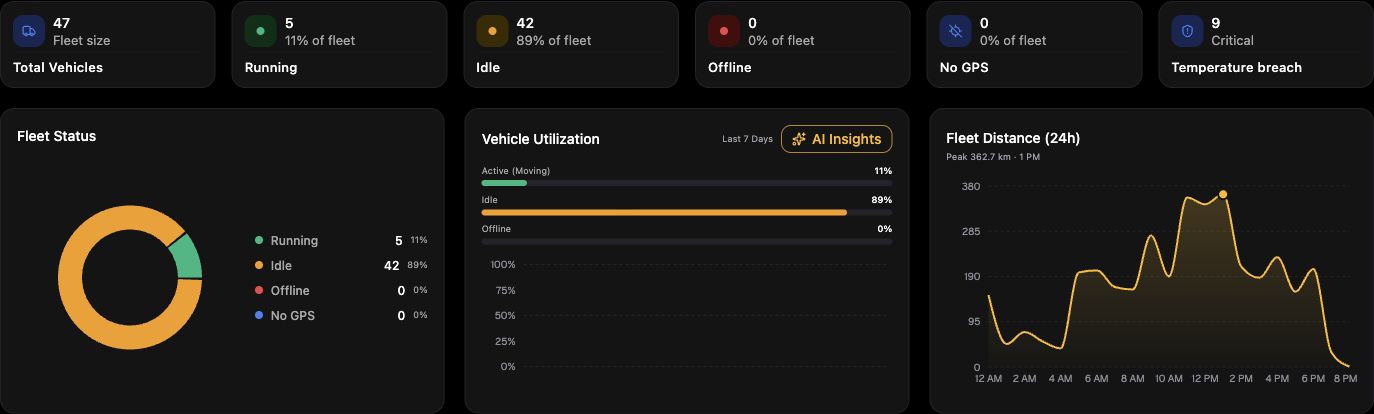
The dashboard shows the state of your fleet right now, so you can see what needs attention first.
- Status counts show how many vehicles are moving, idle, stopped or offline.
- The live map shows each vehicle's latest position. Select a vehicle for its details.
- Filters let you narrow the view by fleet group, vehicle type, category or status.
- Recent alerts and insights highlight events your team may need to act on.
A vehicle is shown as offline when its device has not reported recently. See “A vehicle shows as offline” for what to check.
A vehicle shows as offline ↗